We have updated the Add and View Meeting user interface in the Meetings module to make managing meeting details faster and more intuitive.
The enhanced View Meeting page is organised into four distinct tabs: Overview, People, Agenda, and Activity Timeline.
Note:
- Please refresh your browser or log in again to ensure the latest updates and fixes are applied.
- This UI enhancement is available to desktop users, including Business Users, Executive Assistants, and Auditors.
What Changed?
| Previous (Sections) | Enhanced Experience (Tabs) |
Basic Information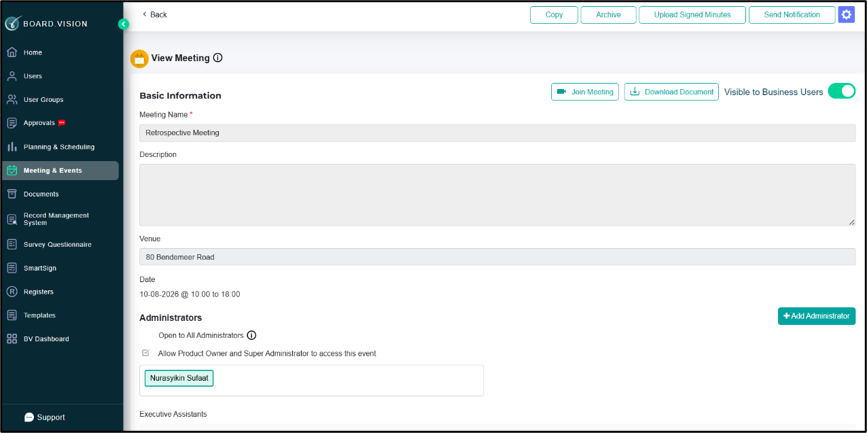 | Overview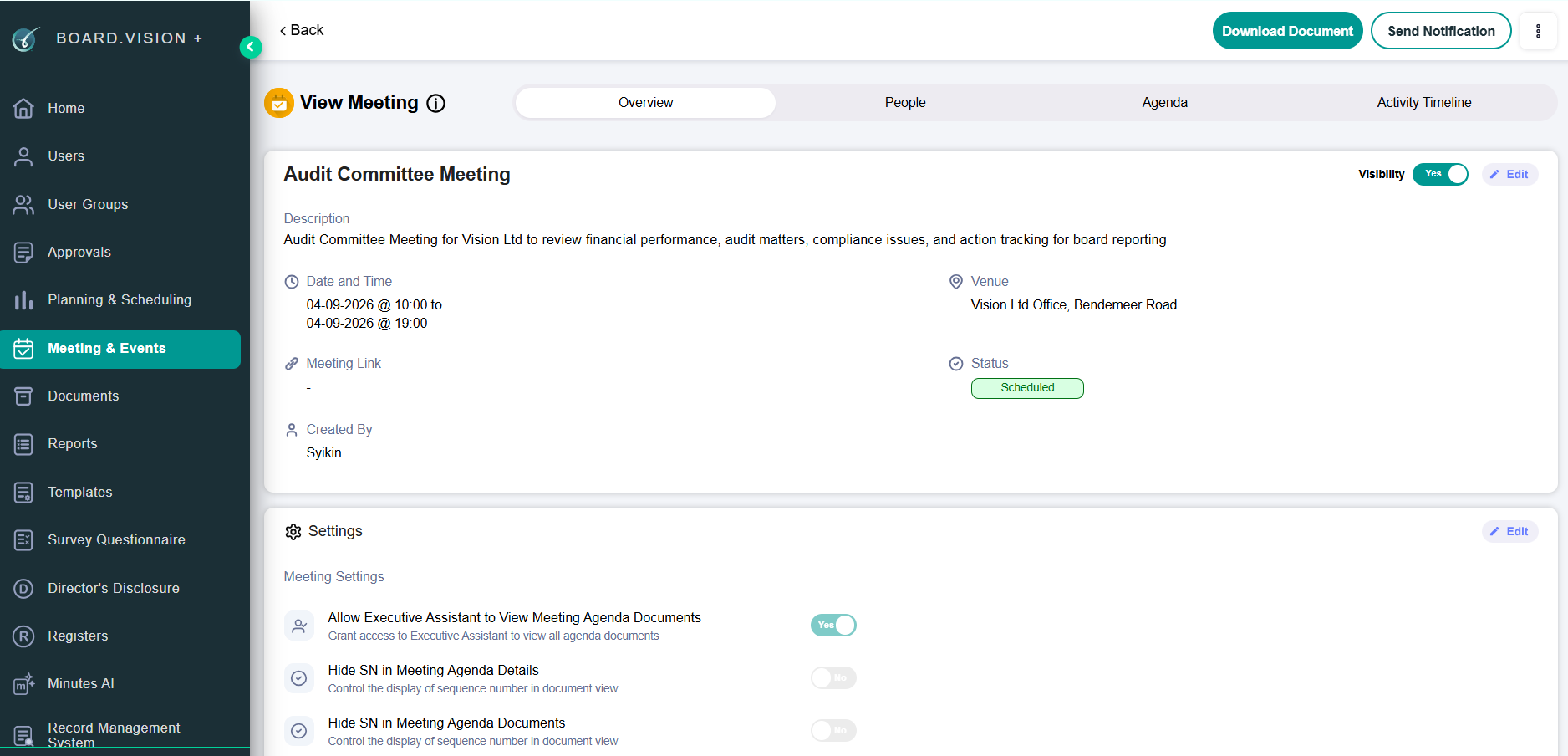 |
Administrators / Participants / Viewers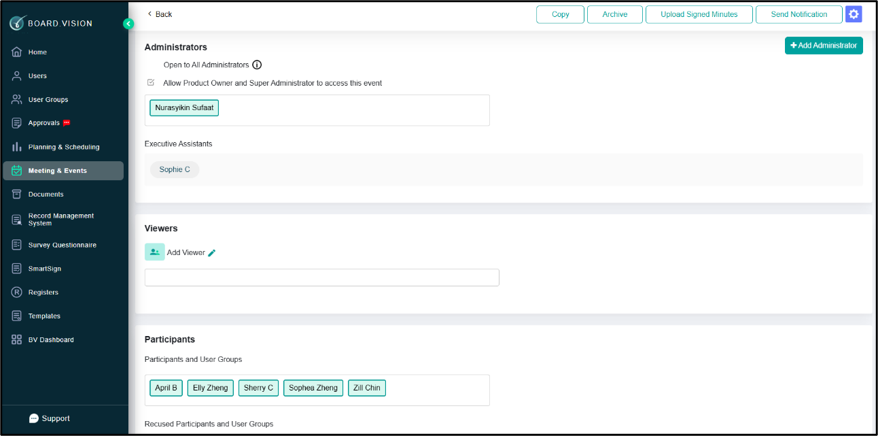 | People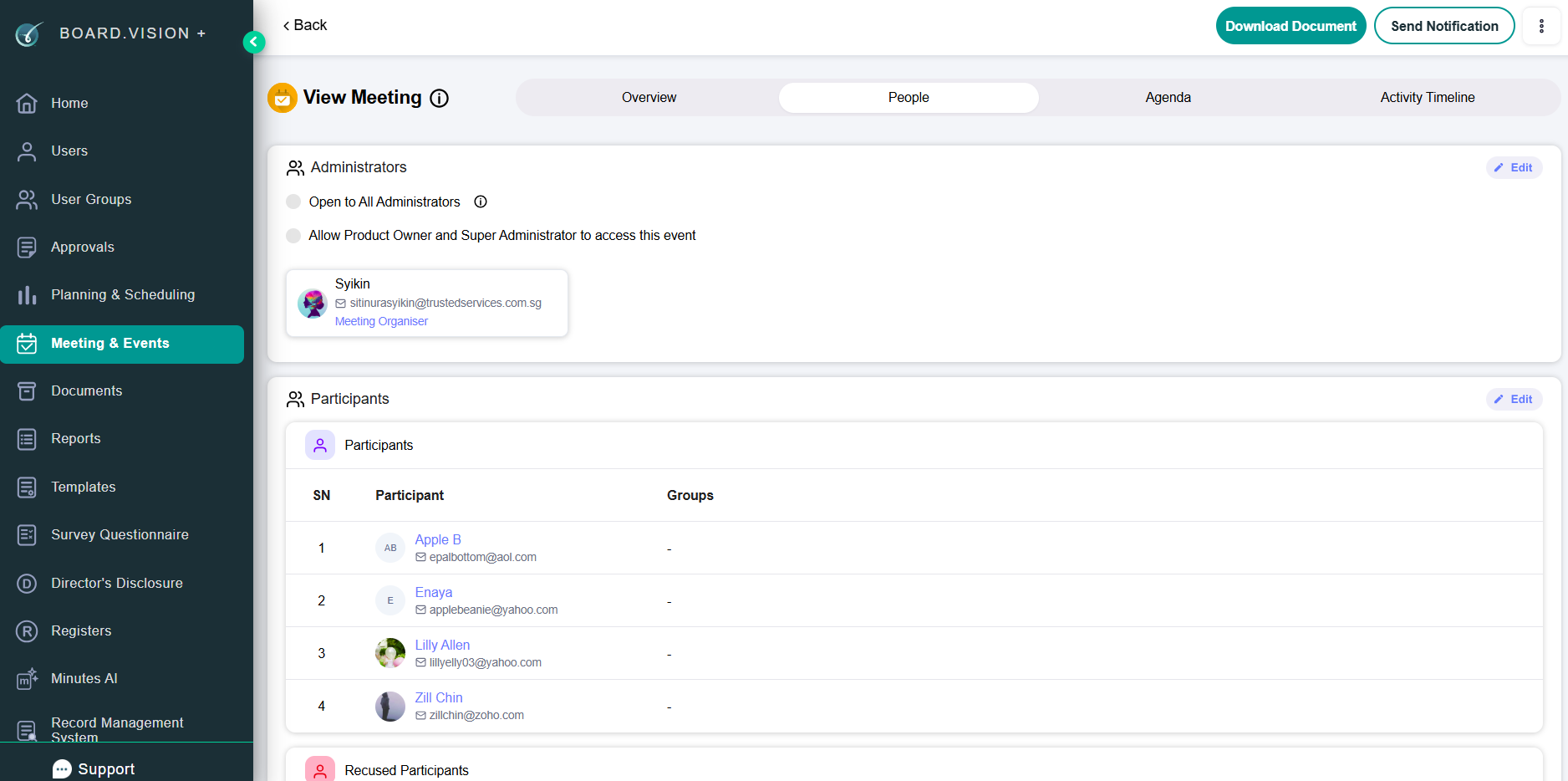 |
Agenda Details / Additional Documentation / Post Meeting Document / Minutes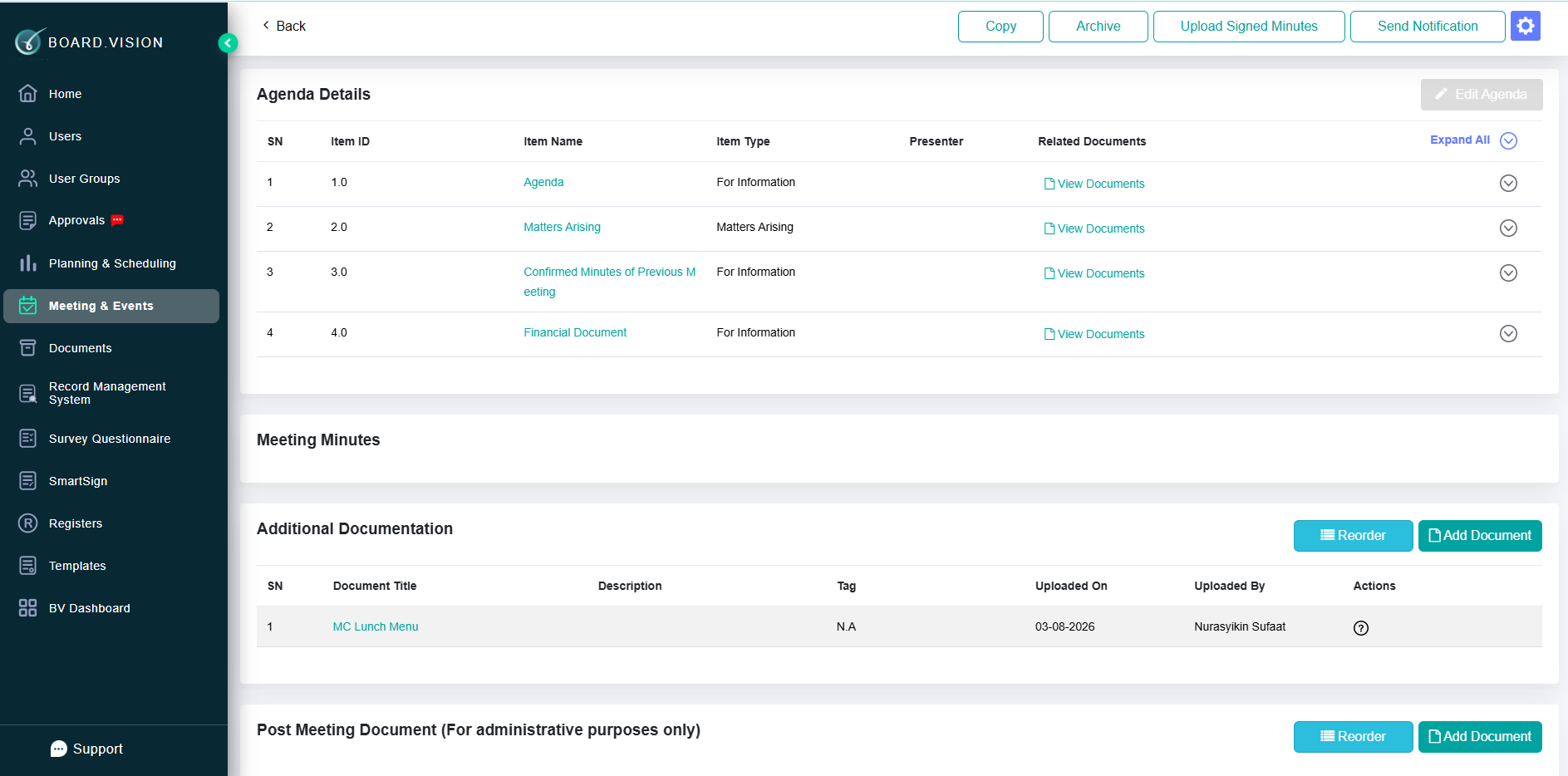 | Agenda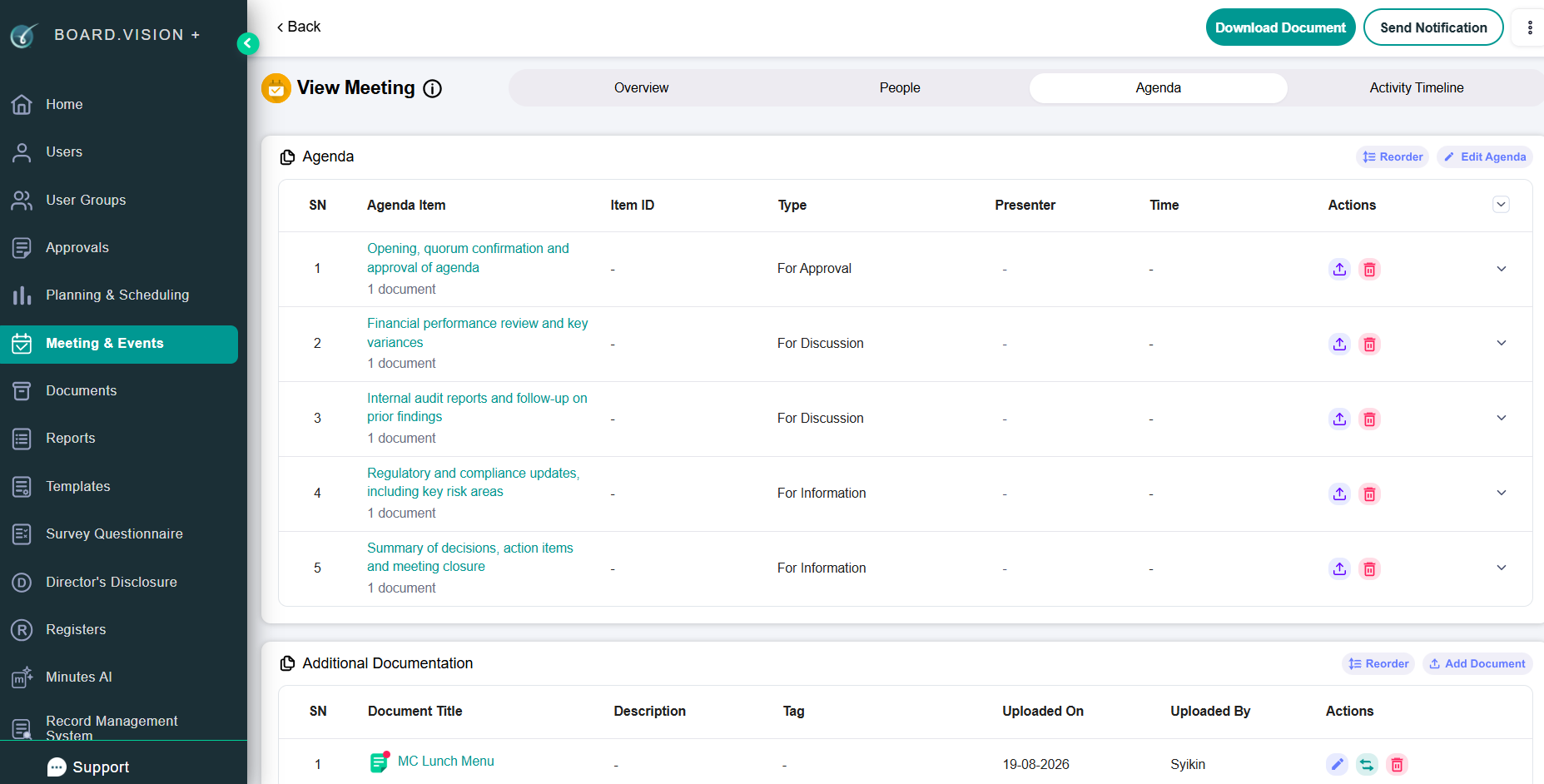 |
Logs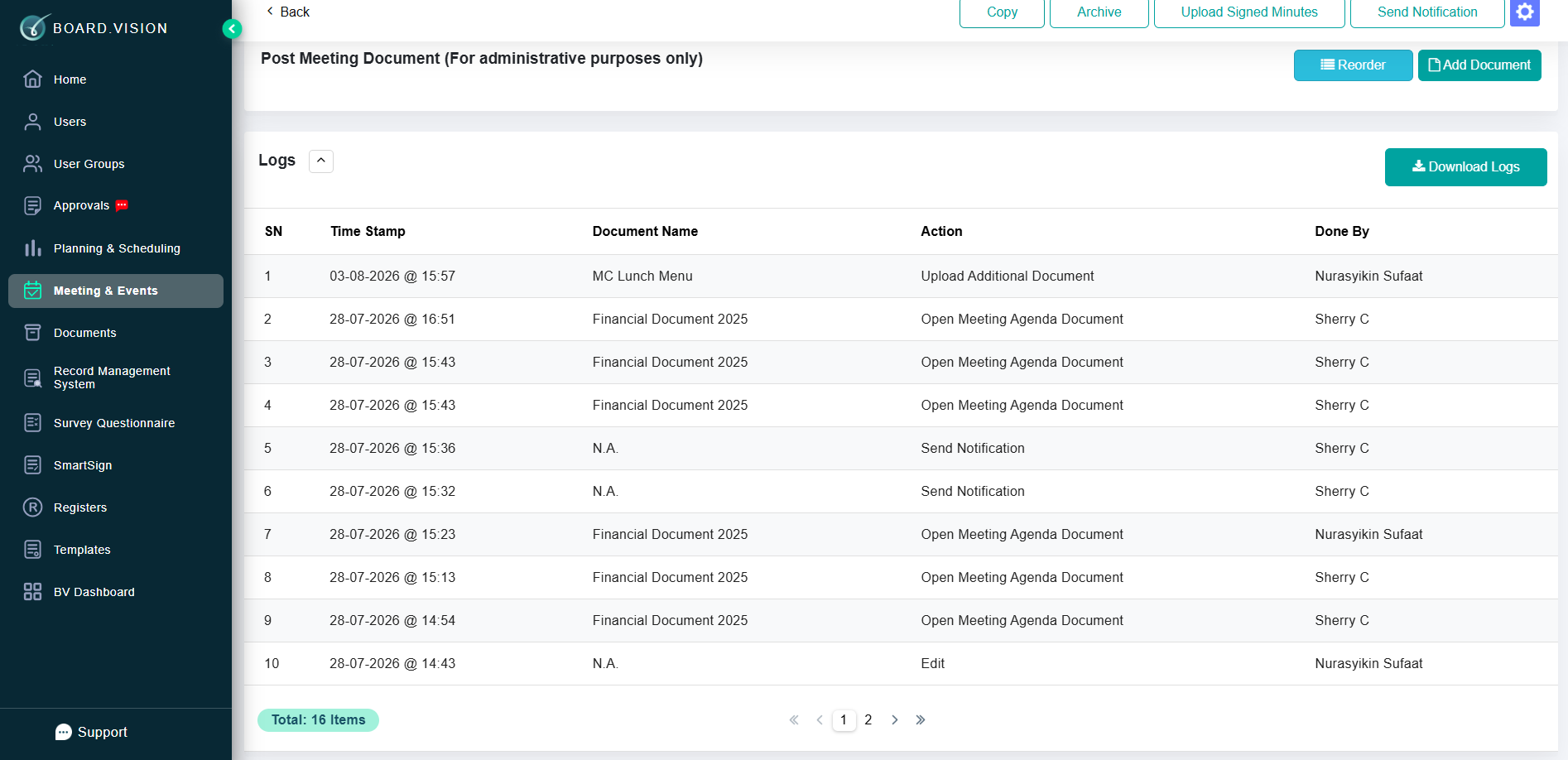 | Activity Timeline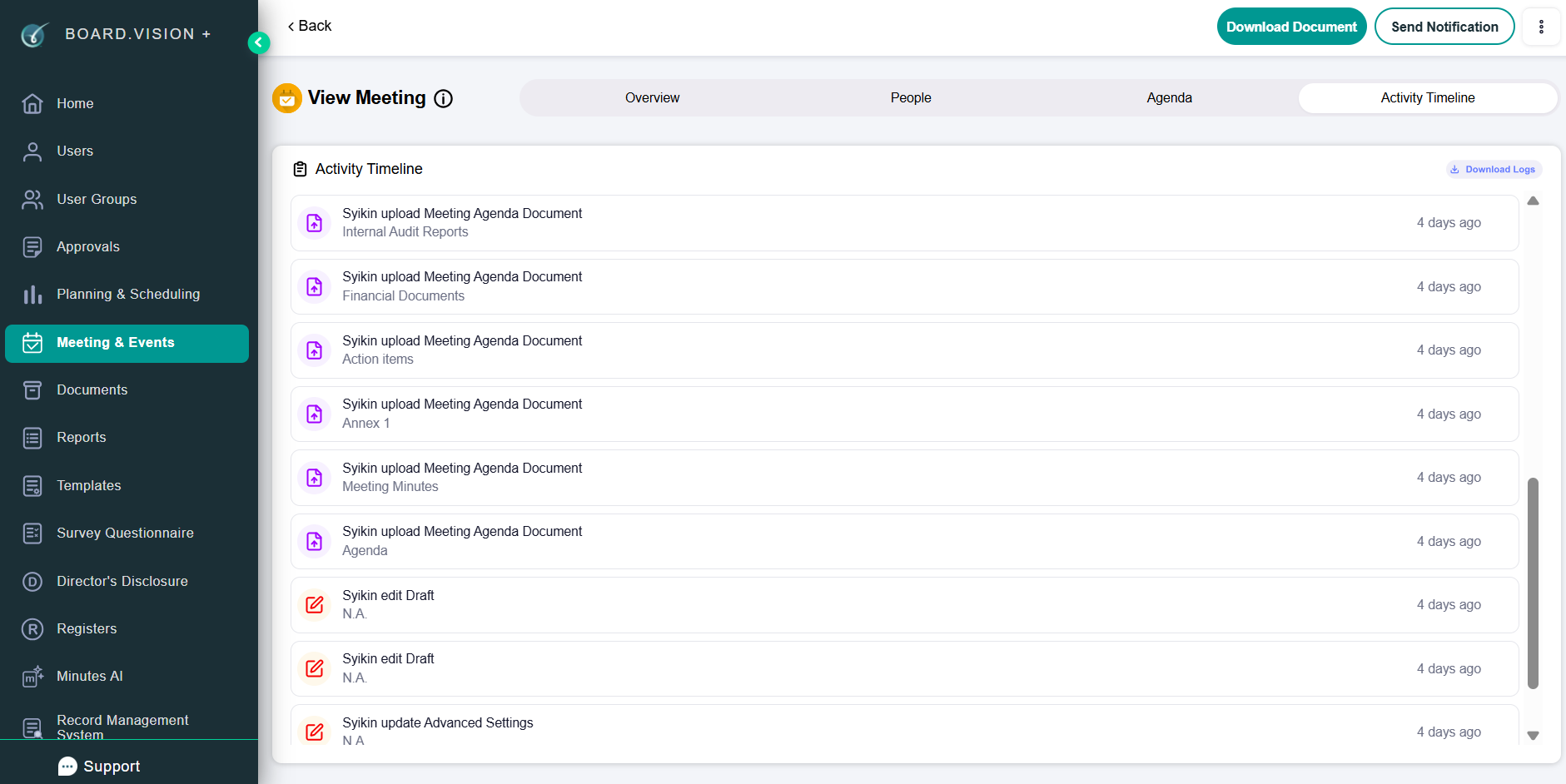 |
Editing Permissions by Meeting Status
| Meeting Status | Overview Tab | People Tab | Agenda Tab |
Draft | Fully editable | - Edit all fields - No Viewer Section | Manage Agenda Document & Additional Documents |
Scheduled / Ongoing / Pending Finalisation | Fully editable | - Edit all fields - No Viewer Section | Manage Agenda, Additional, Post- Meeting Documents & Minutes |
Finalised | Locked | Edit Administrators and Viewers only | Manage Post- Meeting Documents & Minutes |
Cancelled | Locked | Edit Administrators only | Locked (No document edits allowed) |
If you face any issues in completing the steps shown in this tutorial, please reach out to our Board.Vision Customer Success Team at support@board.vision or +65 6909 7100 and we will be happy to help.
Our hotline operating hours are from Mondays to Fridays 9:00 AM to 6:00 PM SGT (excluding public holidays).
Was this article helpful?
That’s Great!
Thank you for your feedback
Sorry! We couldn't be helpful
Thank you for your feedback
Feedback sent
We appreciate your effort and will try to fix the article