Board.Vision now displays meeting times, schedule deadlines, and approval deadlines on your iPad and iPhone based on your device’s time zone.
When you open a meeting, schedule, or approval in Board.Vision, its dates and times are displayed according to the time zone set on your iPad and iPhone.
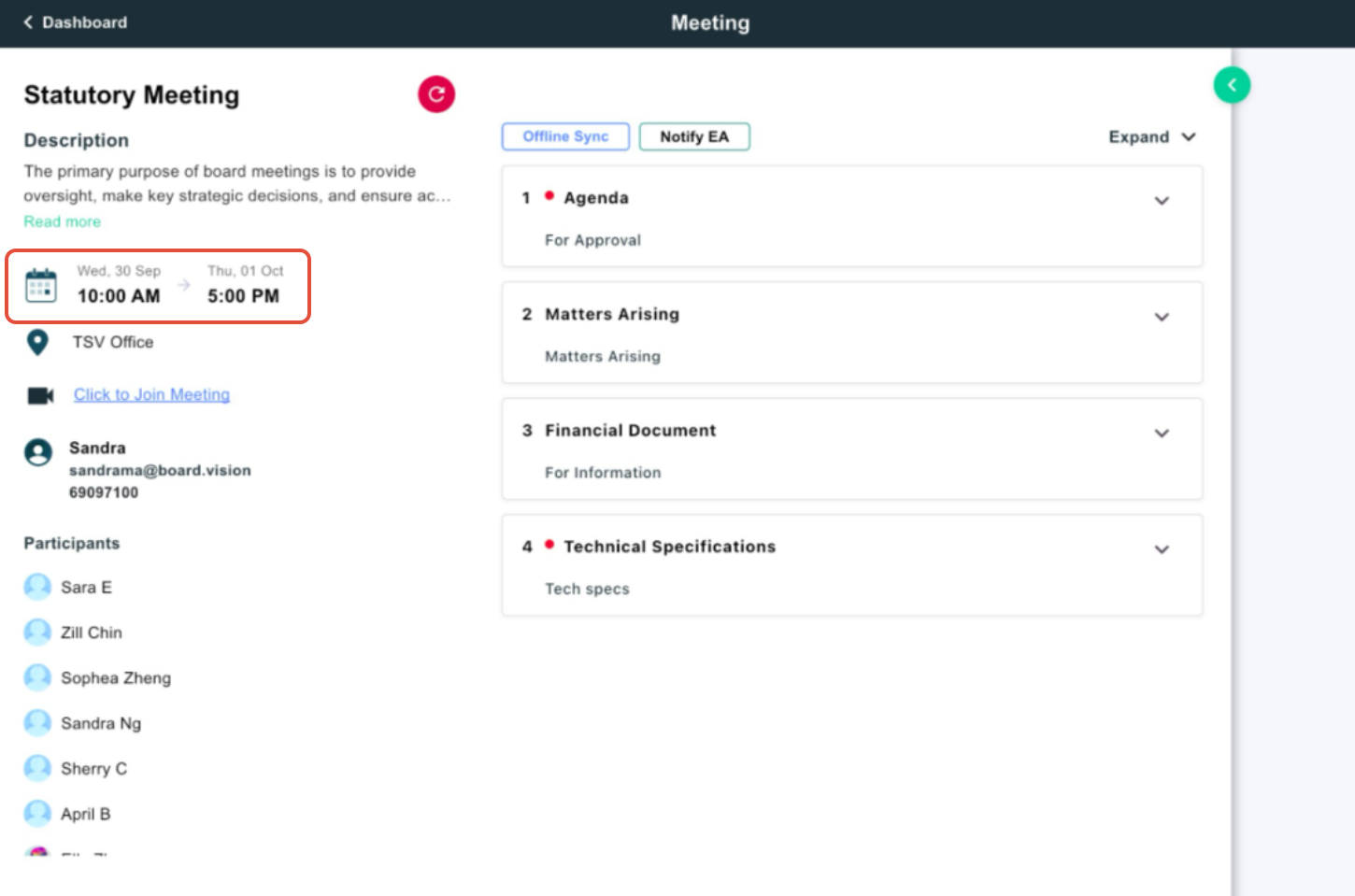
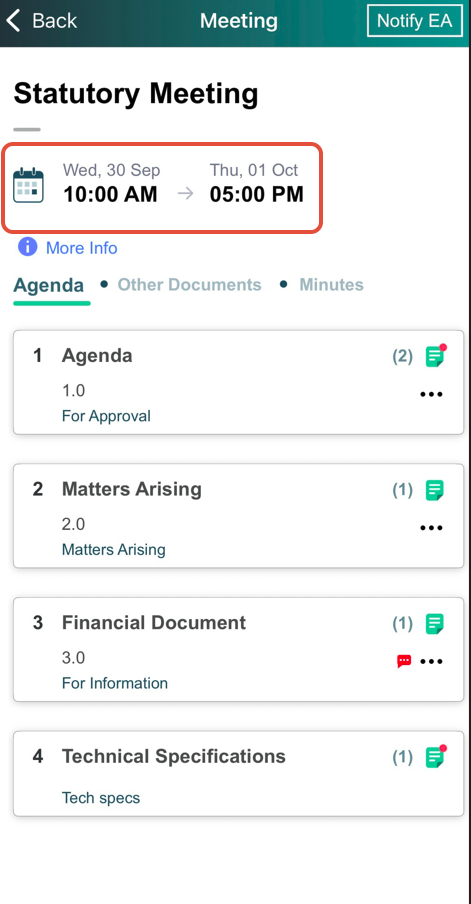
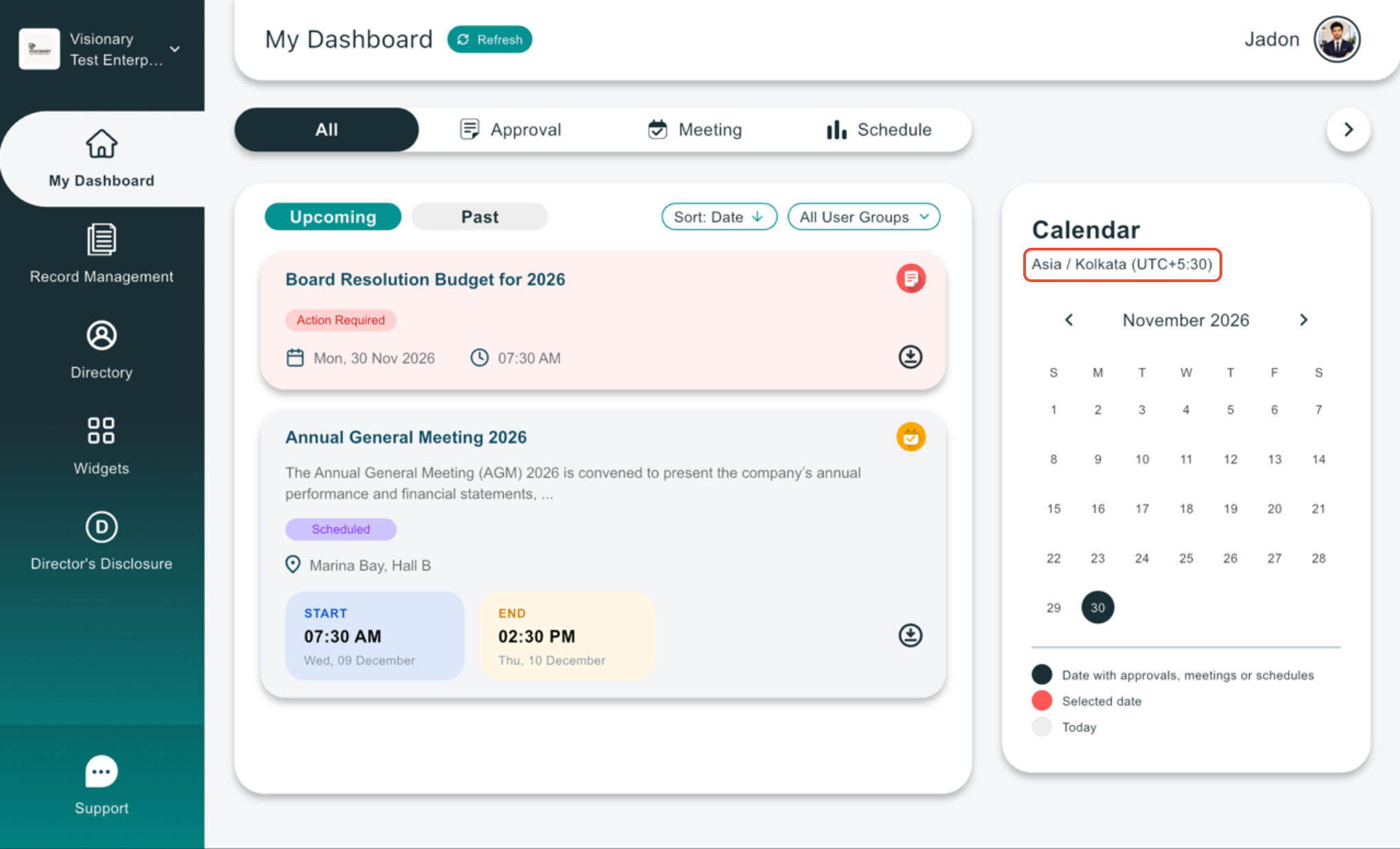
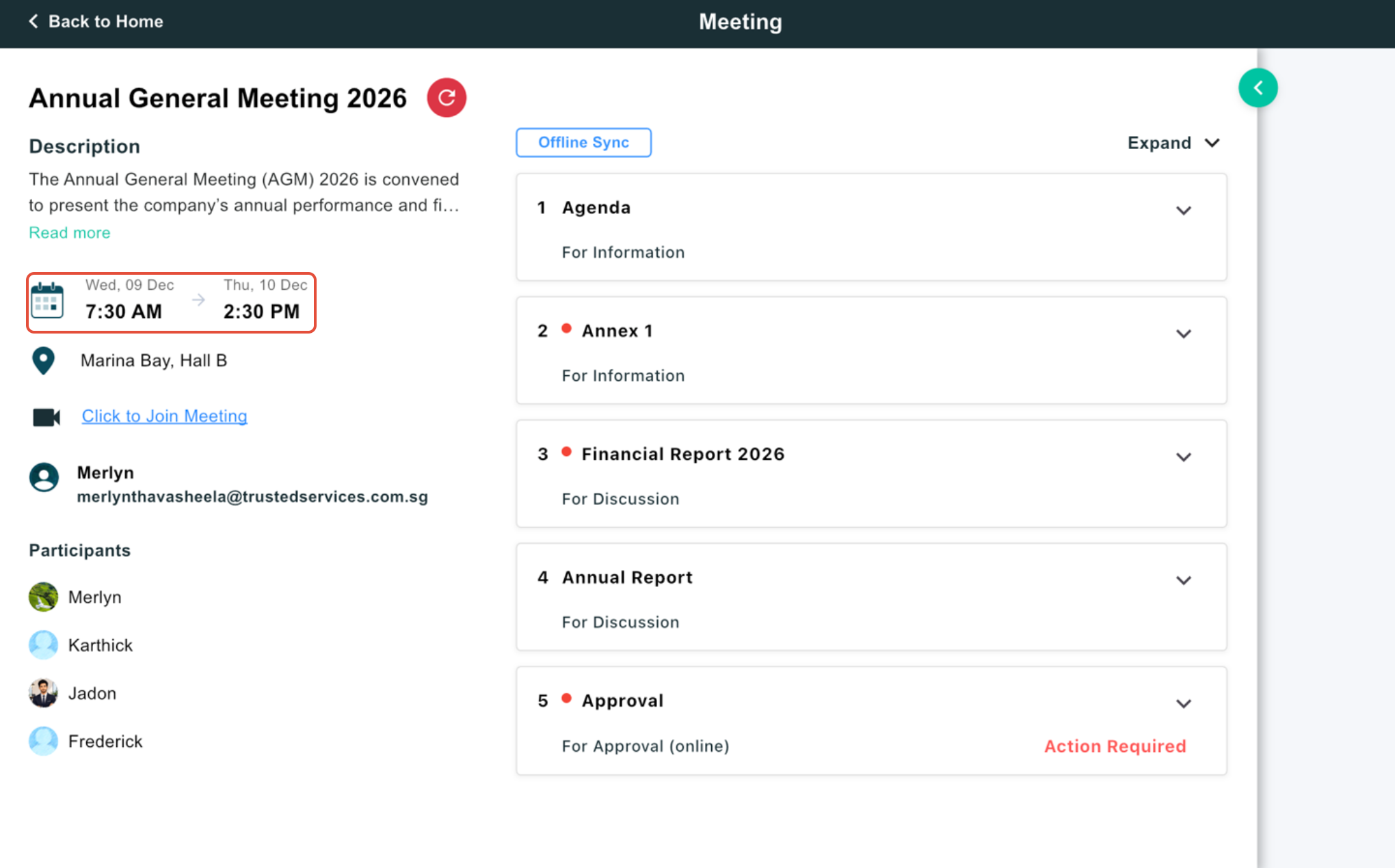
The comparison below shows how dates and deadlines appeared previously and how they are presented to Business Users on iPad and iPhone after this enhancement.
Previous Experience Dates and deadlines were displayed without a clearly selected event time zone, which could make timing less clear when users worked across time zones. |
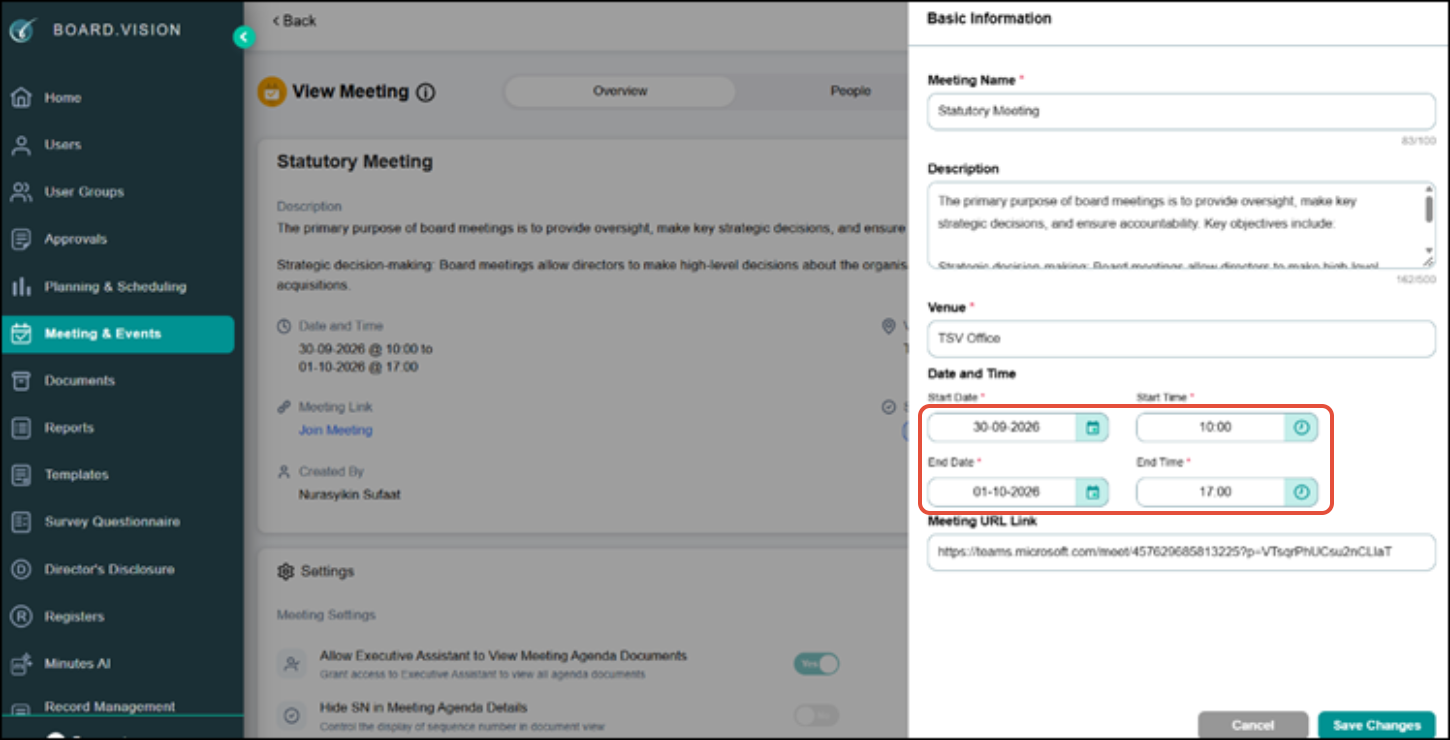
|
Enhanced Experience Meeting start and end times, schedule deadlines, and approval deadlines are now automatically displayed based on the Business User’s iPad and iPhone device time zone. |
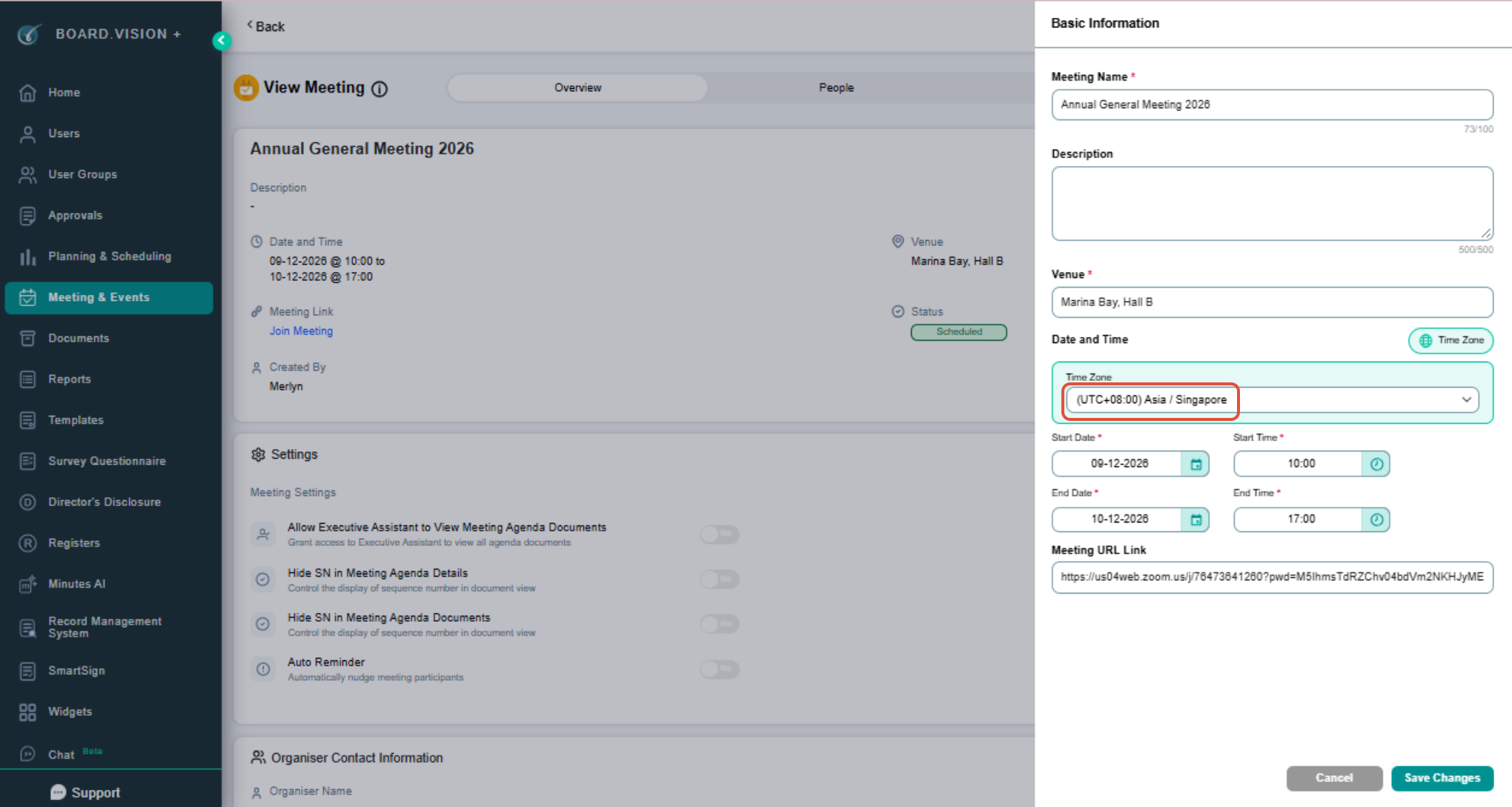
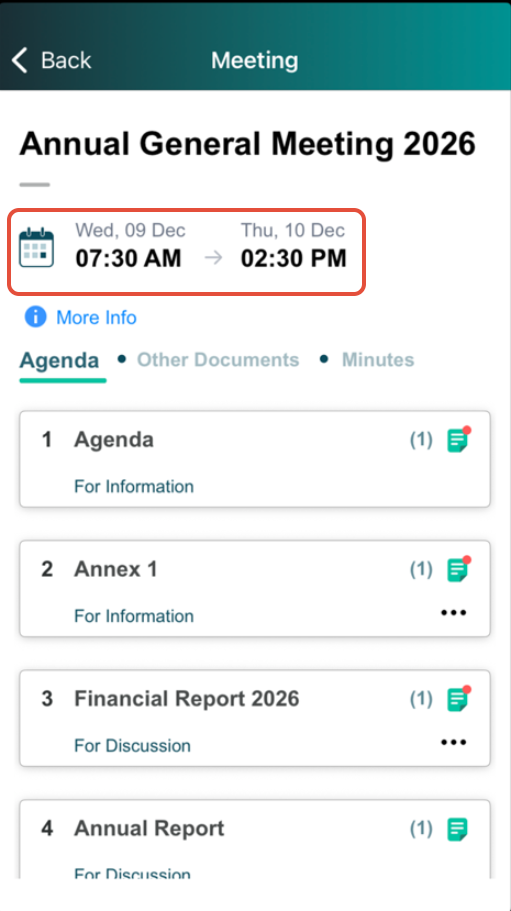 |
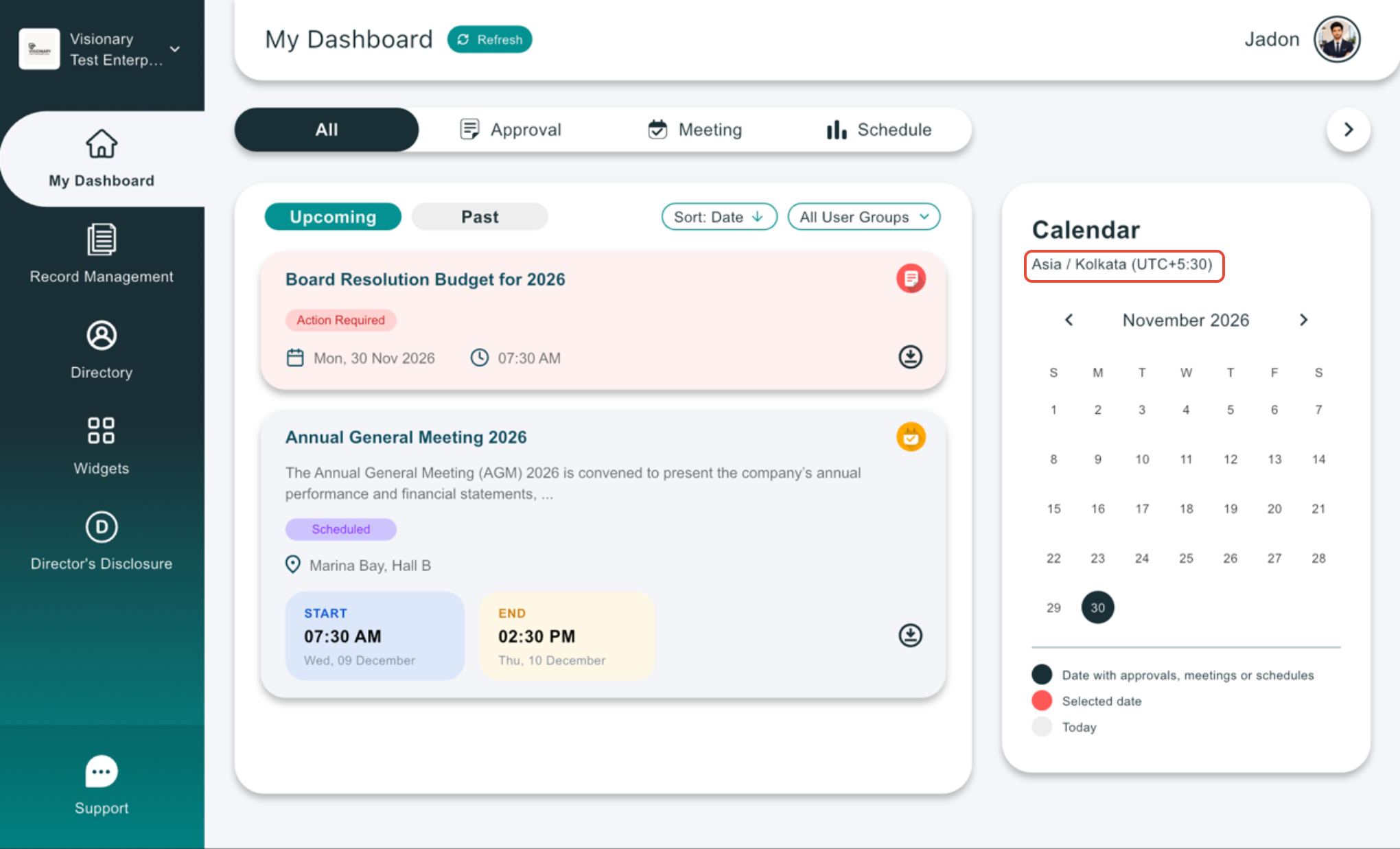
If dates or deadlines do not appear as expected on your iPad, please contact the Board.Vision Customer Success Team at support@board.vision or +65 6909 7100 for assistance.
Our hotline operates from Monday to Friday, 9:00 AM to 6:00 PM SGT, excluding public holidays.
Was this article helpful?
That’s Great!
Thank you for your feedback
Sorry! We couldn't be helpful
Thank you for your feedback
Feedback sent
We appreciate your effort and will try to fix the article