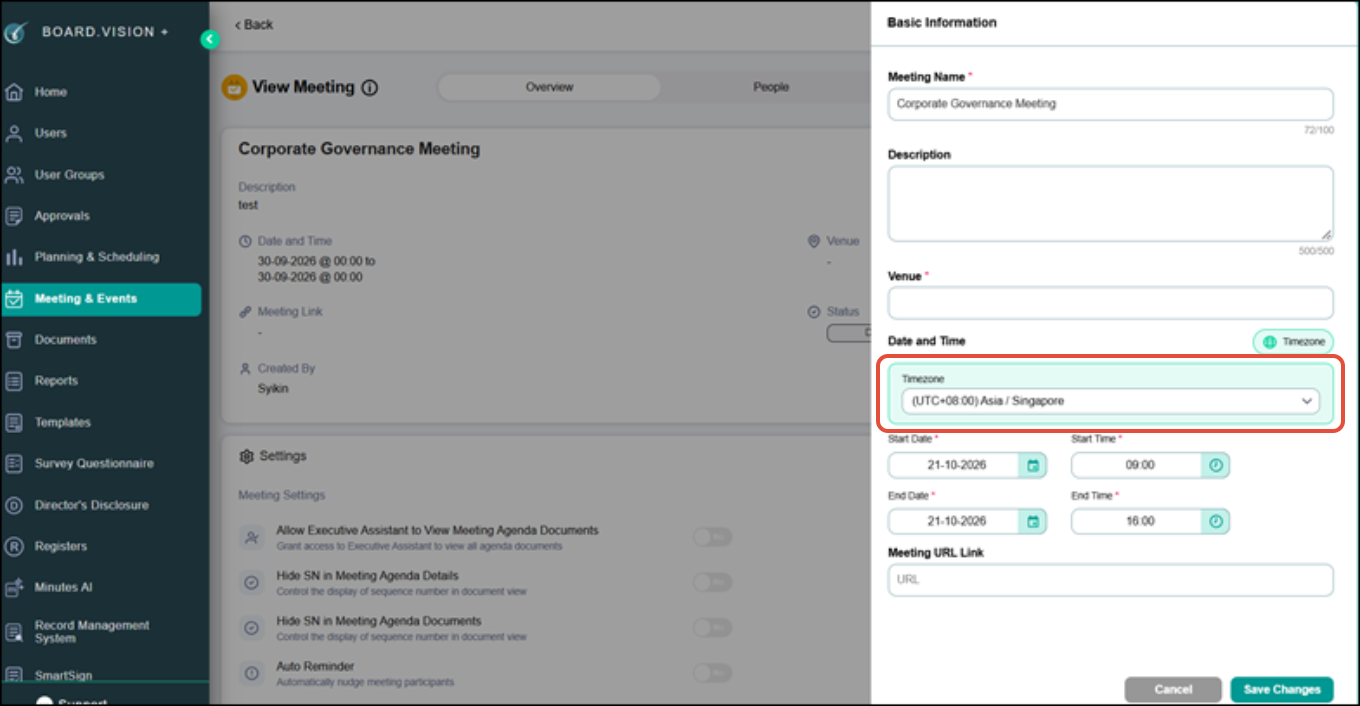
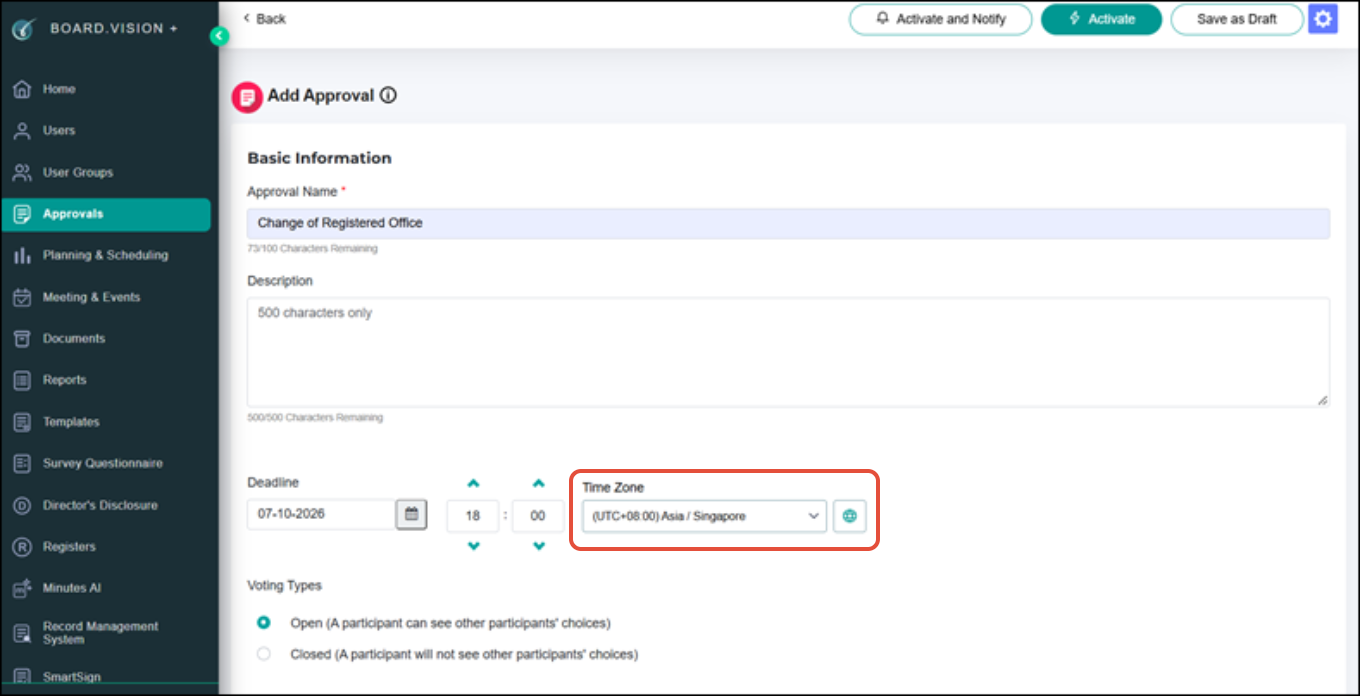
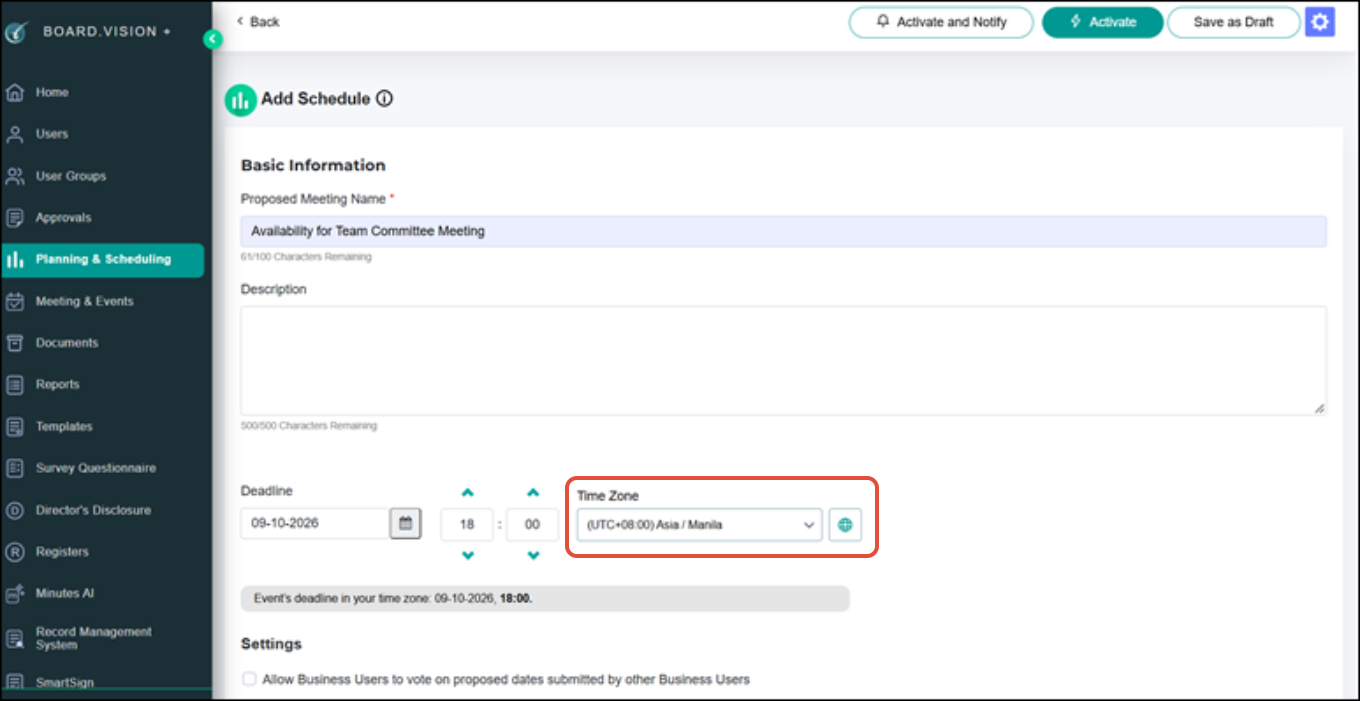
Administrators can now select a time zone when creating or editing meetings, schedules, approvals, and related notifications.
While Administrators configure the event time zone during setup, Business Users will see the relevant dates and deadlines based on their device's time zone.
Below is a comparison of the previous and enhanced experience for your reference.
Previous Experience Administrators did not have an option to select a time zone when configuring meetings, schedules, or approvals. | 1) Meetings & Events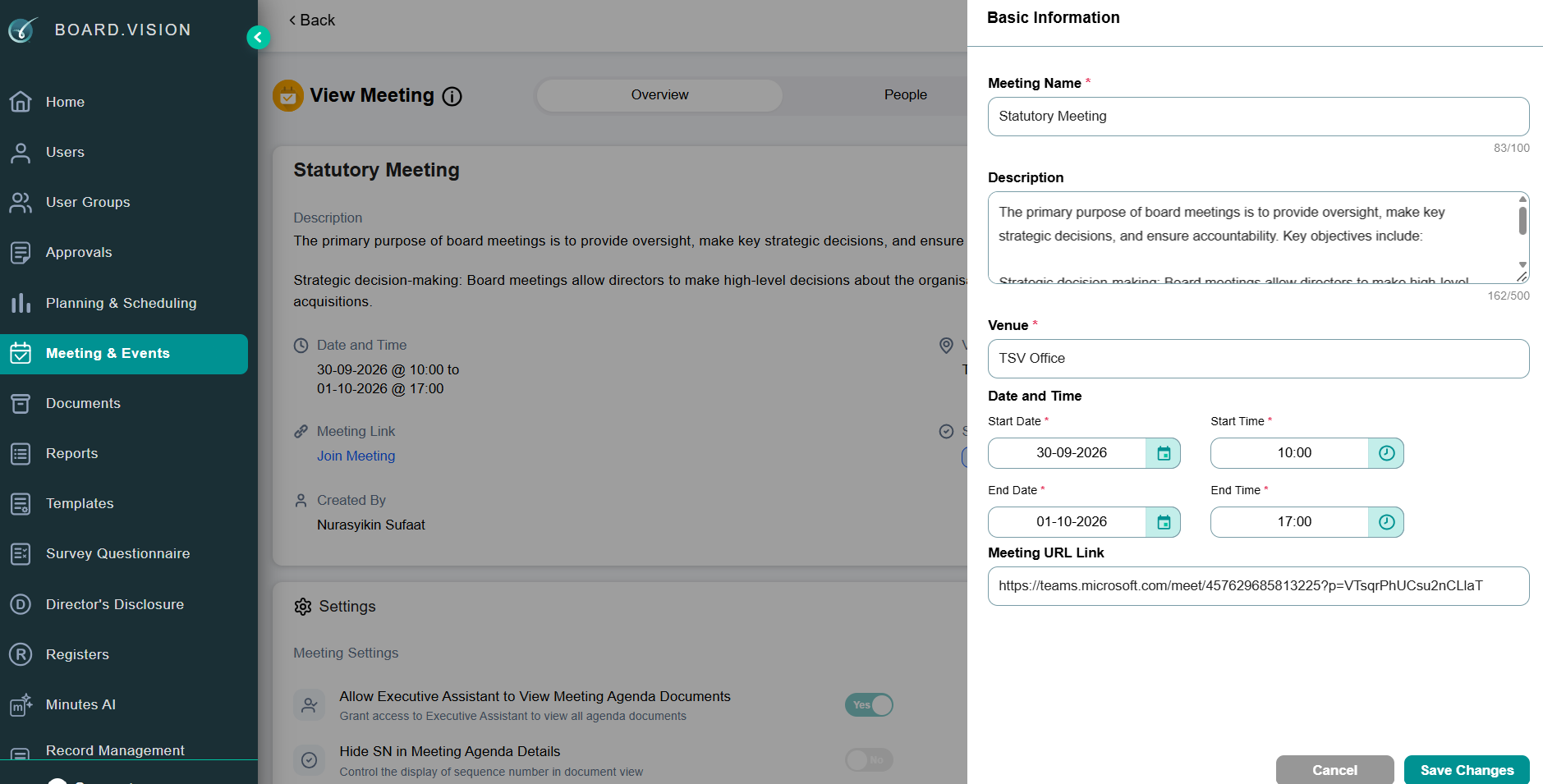 2) Approvals 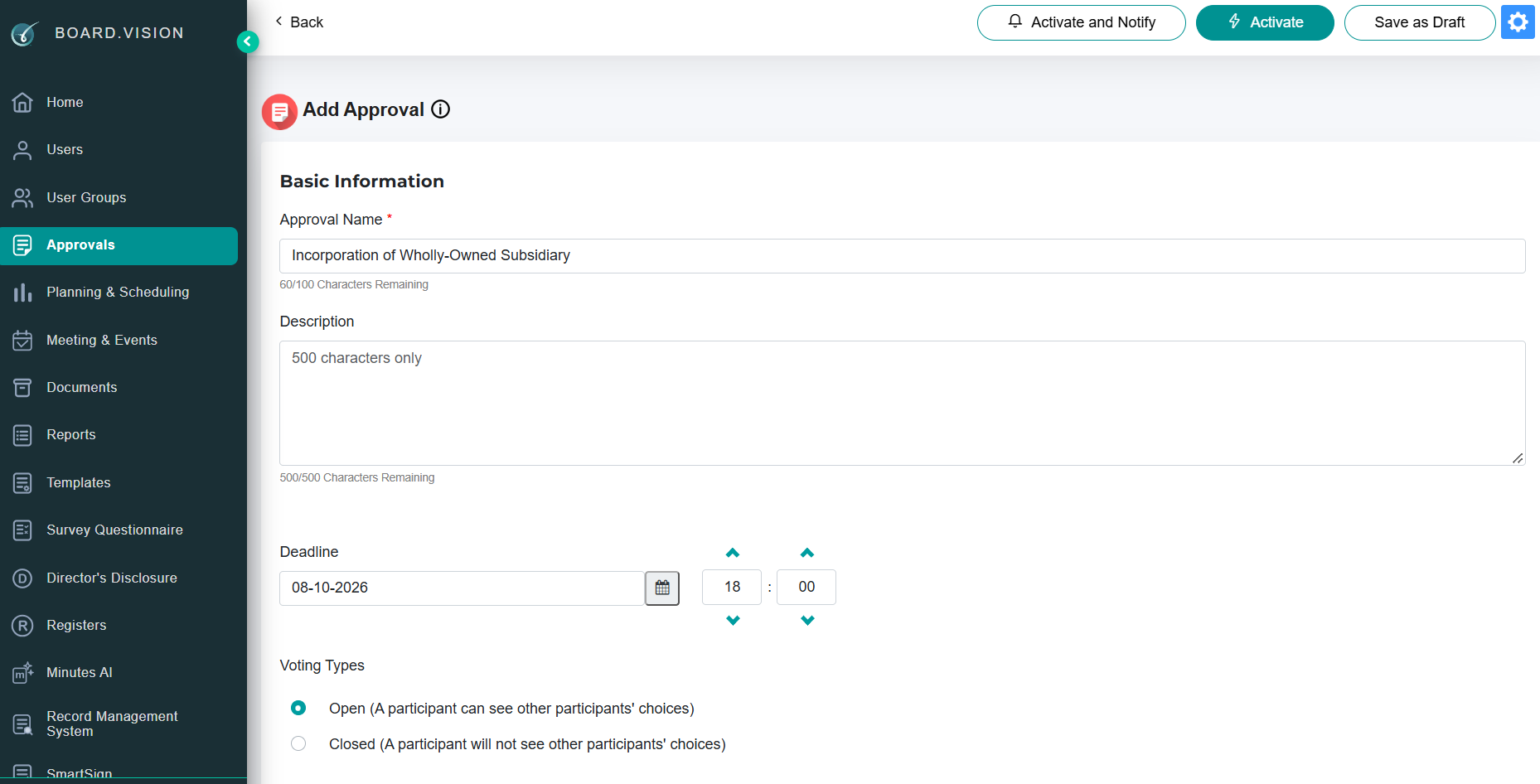 3) Planning & Scheduling 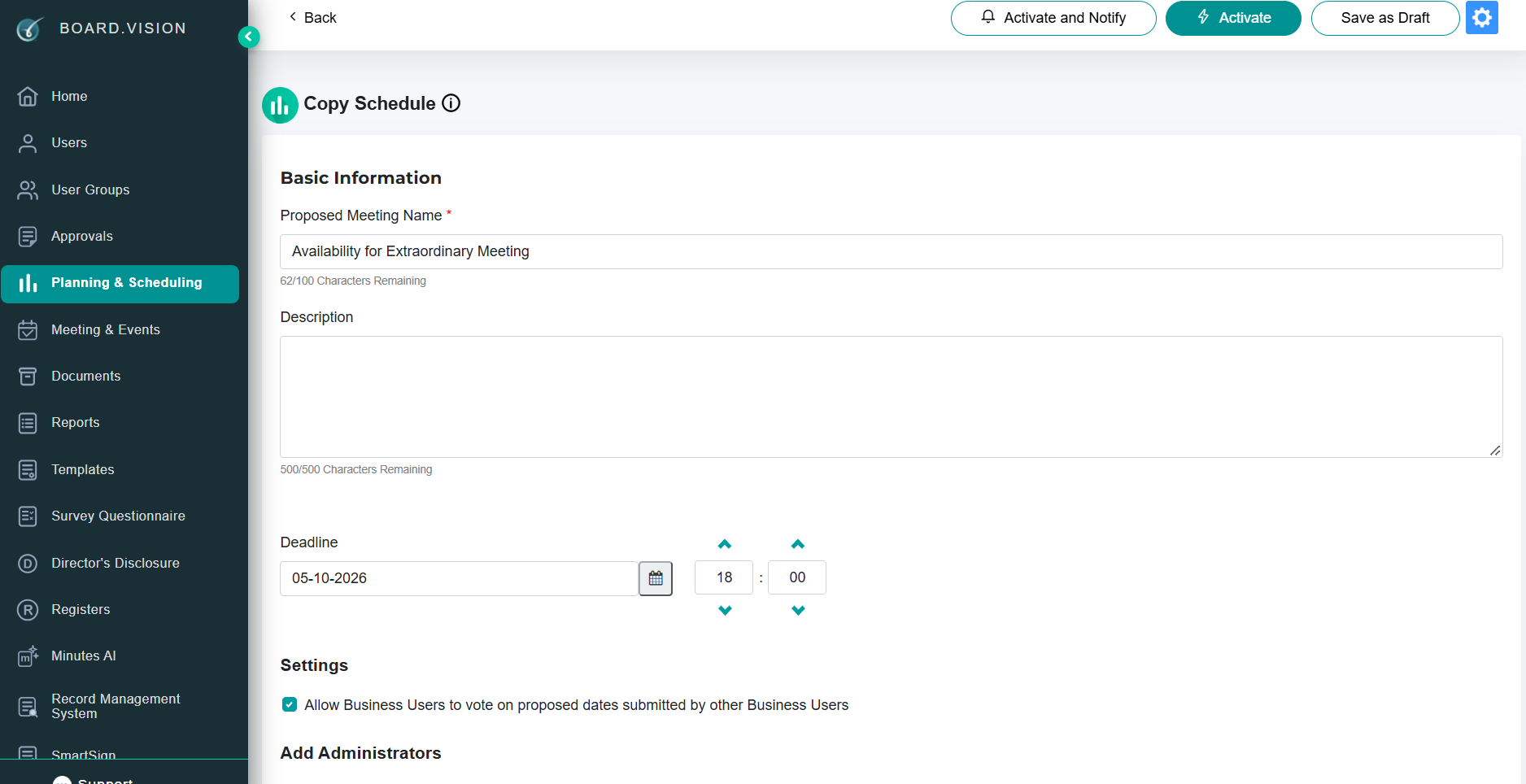 |
Enhanced Experience Administrators can select a time zone when configuring meeting start and end time, schedule deadlines, and approval deadlines. | 1) Meetings & Events
2) Approvals
3) Planning & Scheduling
|
If you face any issues in completing the steps shown in this tutorial, please reach out to our Board.Vision Customer Success Team at support@board.vision or +65 6909 7100 and we will be happy to help.
Our hotline operating hours are from Mondays to Fridays 9:00 AM to 6:00 PM SGT (excluding public holidays).
Was this article helpful?
That’s Great!
Thank you for your feedback
Sorry! We couldn't be helpful
Thank you for your feedback
Feedback sent
We appreciate your effort and will try to fix the article