Below is a comparison of the previous and current designs for your reference.
Previous Design - Previously, no visual indicator or pop-up message was displayed when business users entered Collaboration mode. As a result, users might not have been immediately aware that their annotations were visible to all participants. | 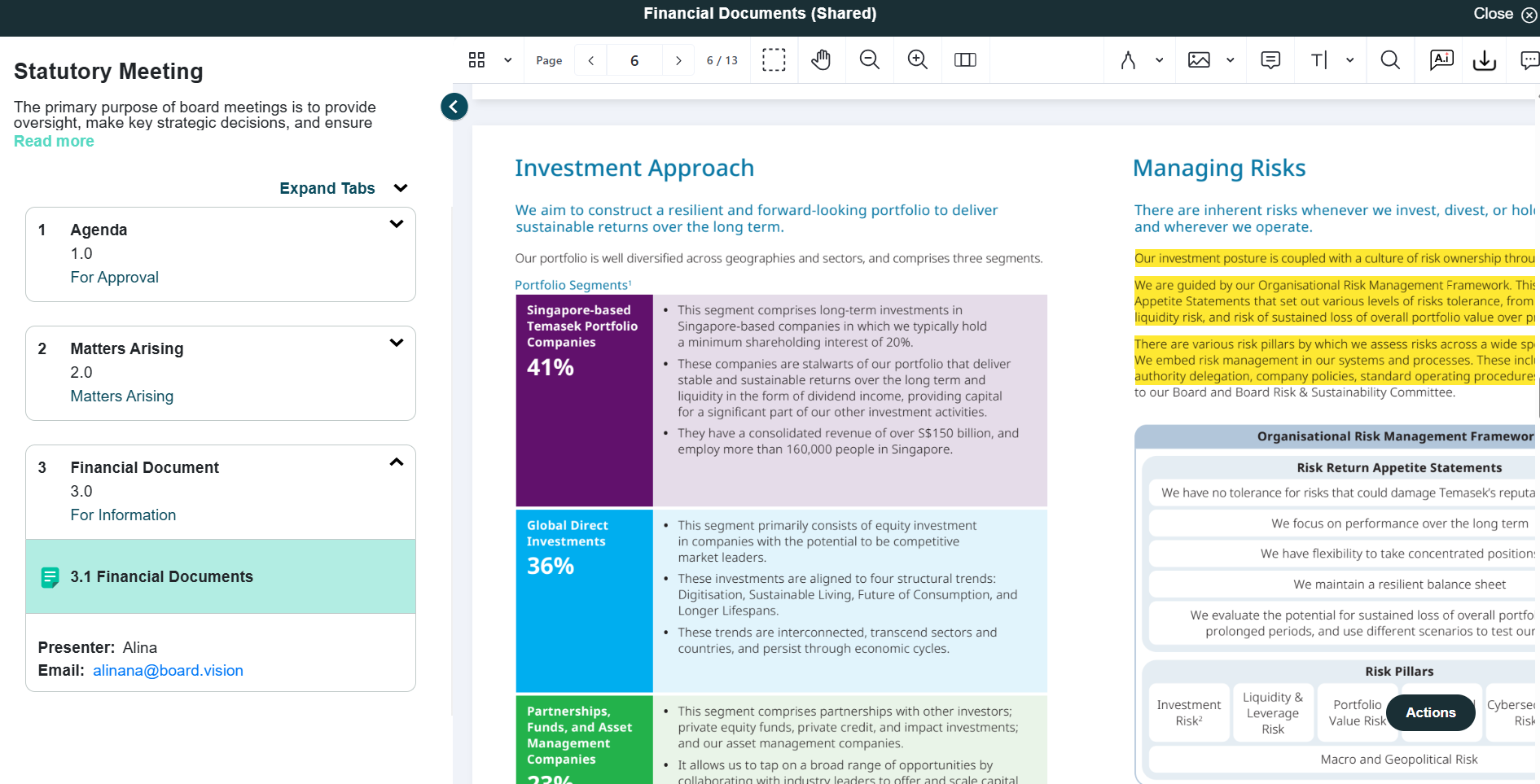 |
Current Design - After selecting Collaboration from the Action menu, business users will see a visual indicator at the top that they are in Collaboration mode and annotations made will be visible to all participants. | 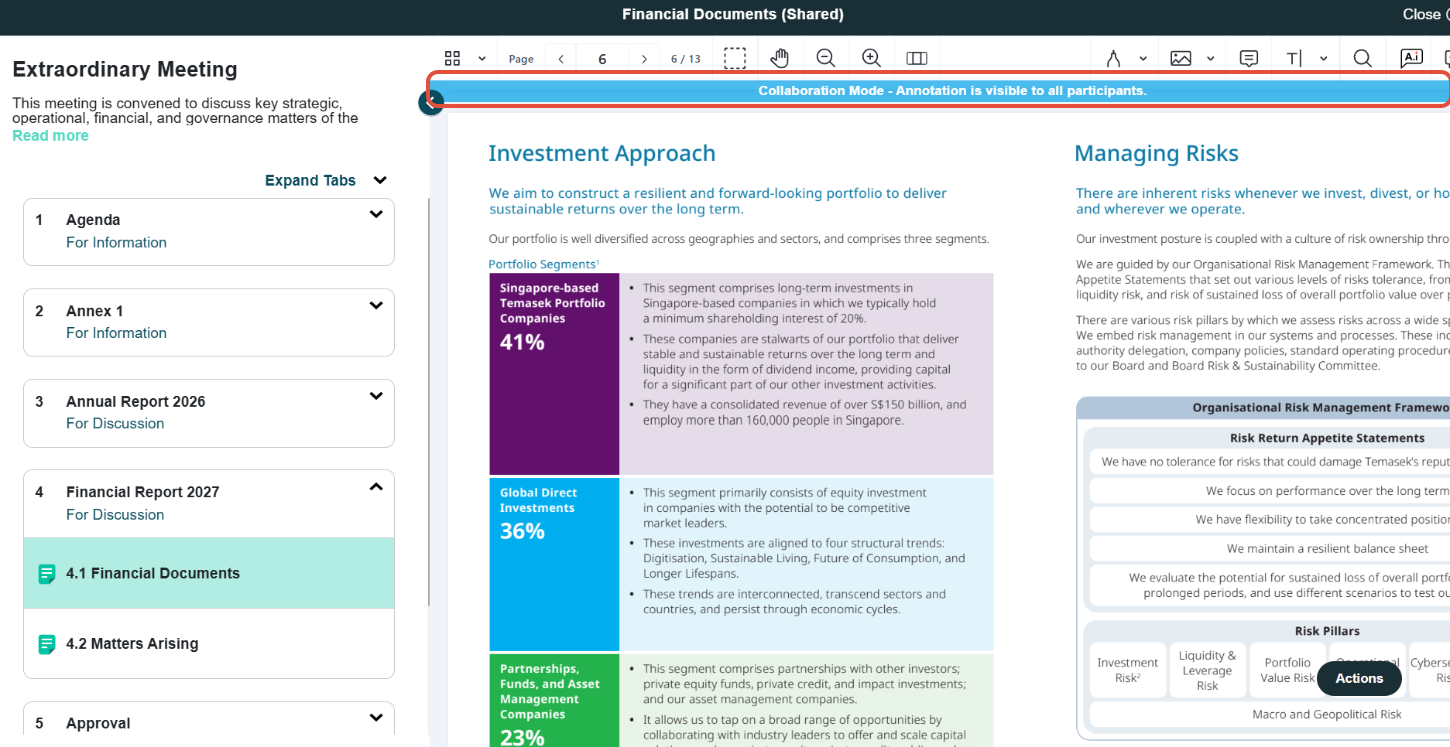 |
To find out more about how to annotate on a shared copy of a document with other users, click here.
If you face any issues in completing the steps shown in this tutorial, please reach out to our Board.Vision Customer Success Team at support@board.vision or +65 6909 7100 and we will be happy to help.
Our hotline operating hours are from Mondays to Fridays 9:00 AM to 6:00 PM SGT (excluding public holidays).
Was this article helpful?
That’s Great!
Thank you for your feedback
Sorry! We couldn't be helpful
Thank you for your feedback
Feedback sent
We appreciate your effort and will try to fix the article