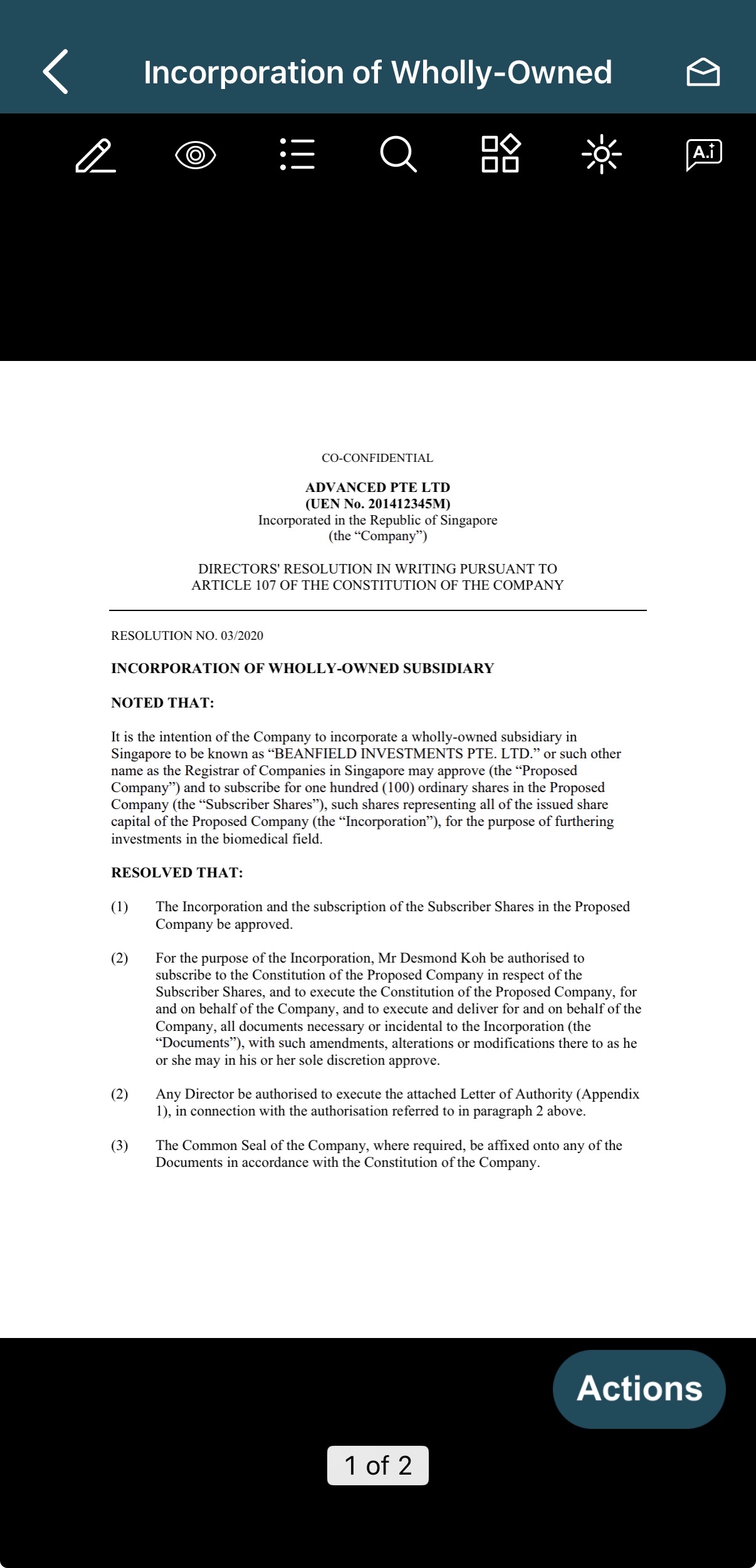
We have enhanced the push notification experience on iPhone. Users can now tap a Board.Vision push notification to open the Approval document, Schedule, or Meeting event directly within Board.Vision for immediate action.
This update provides a more seamless experience when accessing specific meetings or approvals.
Below is a comparison of the previous and current designs for your reference.
Previous Design - When a push notification was tapped, users were directed to the Board Space. - Users were required to manually navigate and select the specific Approval, Schedule, or Meeting to view the corresponding document or event details. | 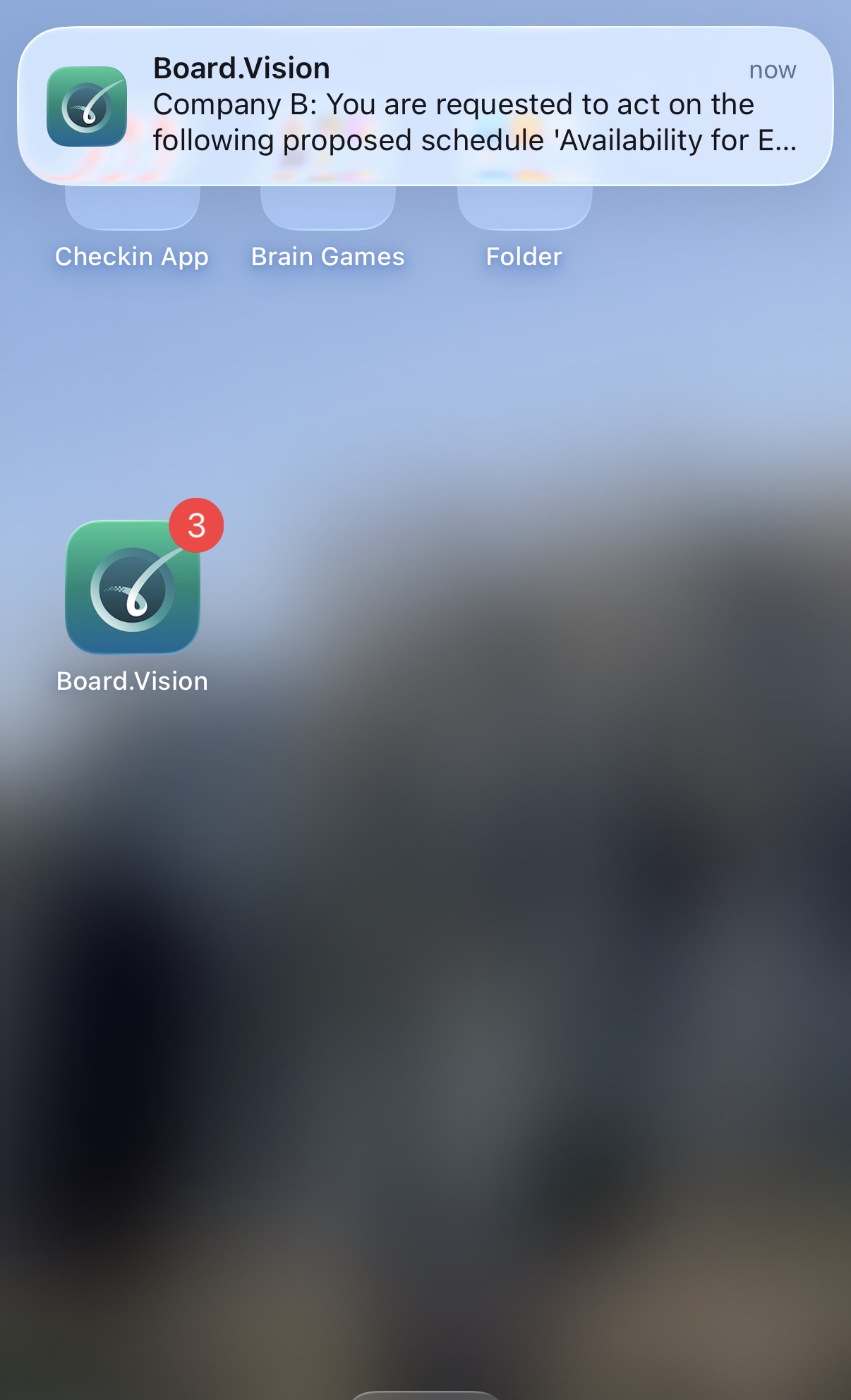 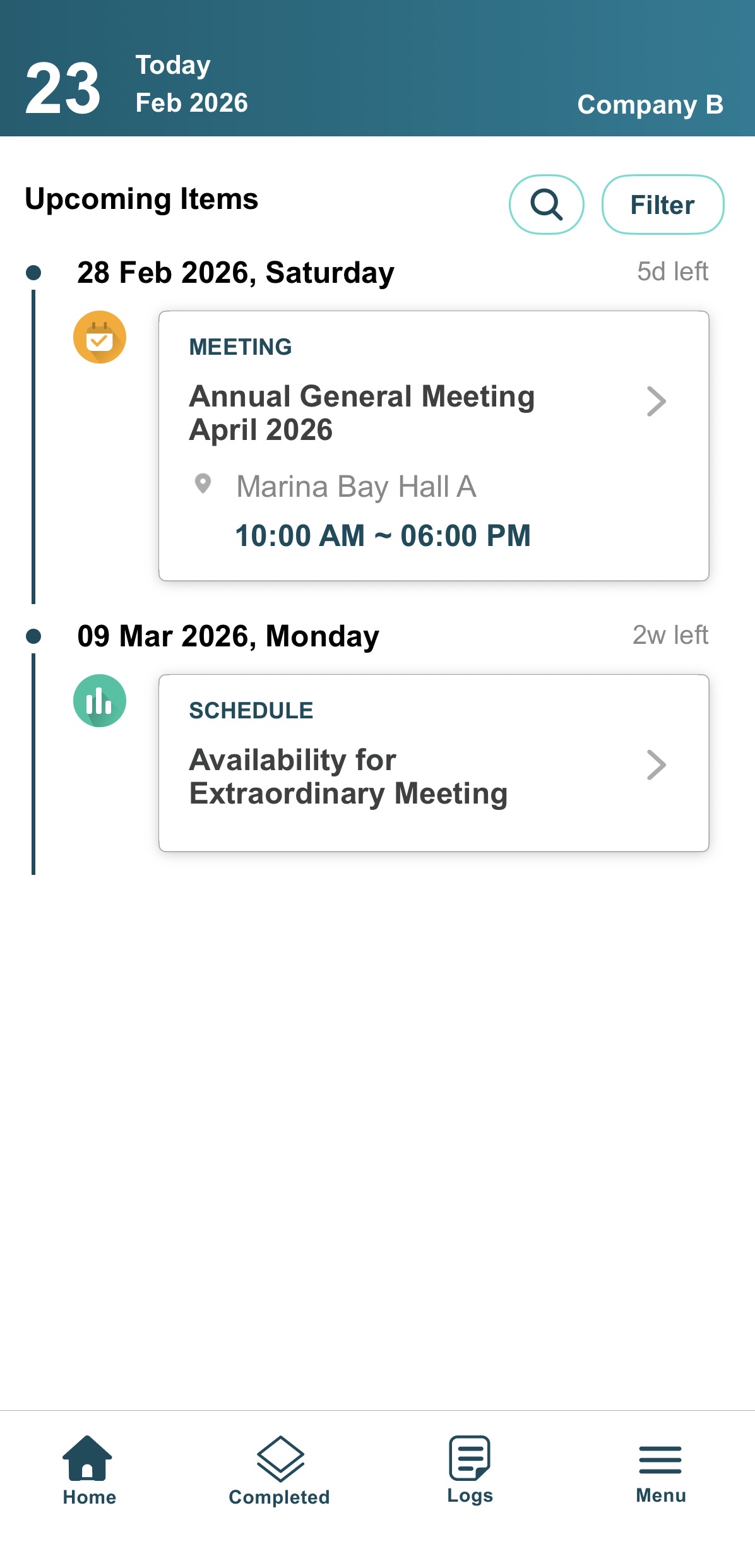 |
Current Design - When a push notification is tapped, users are taken directly to the specific Approval document, Schedule, or Meeting details within Board.Vision, eliminating the need to navigate through the Board Space. | 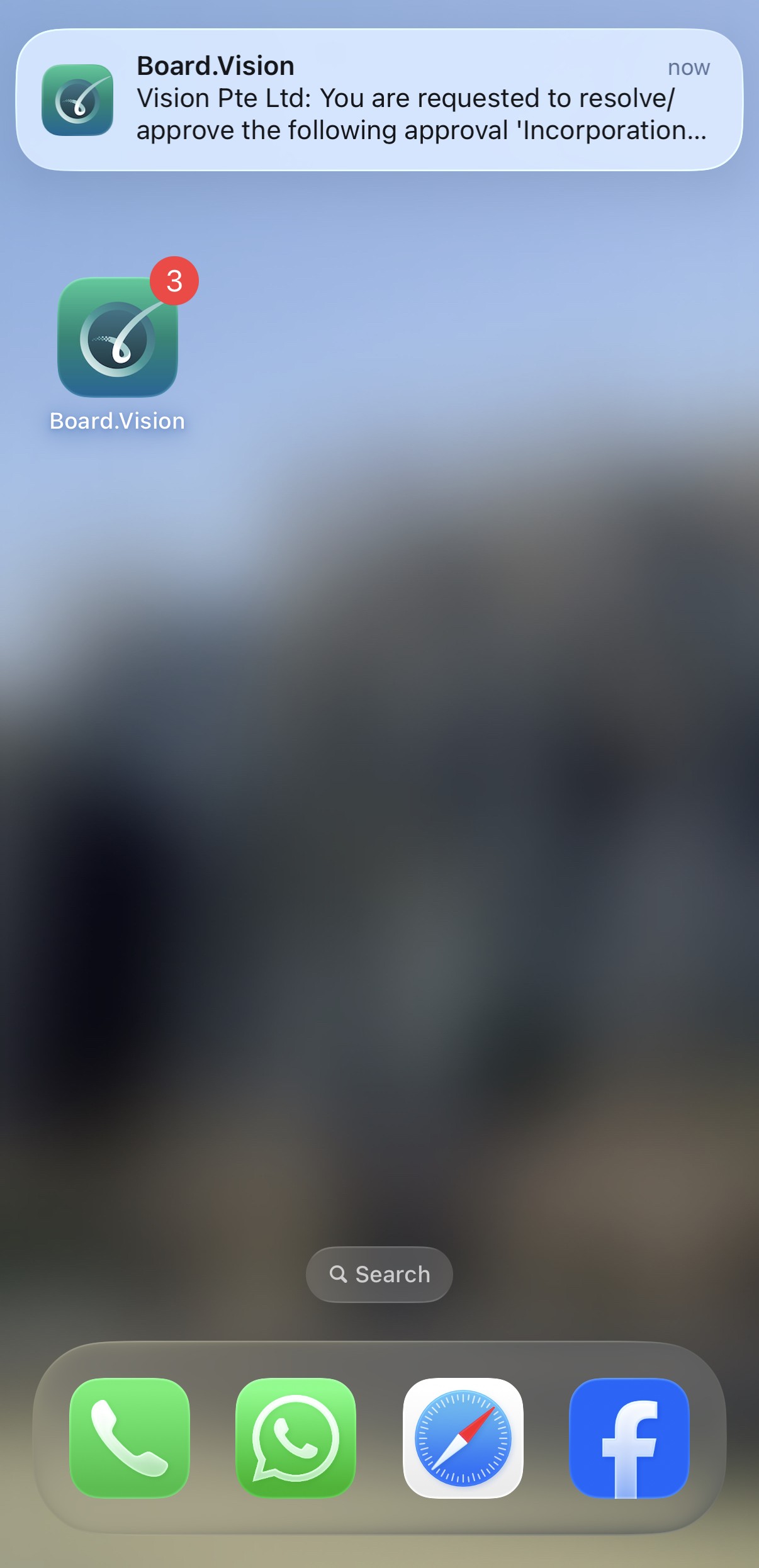 |
 |
If you face any issues in completing the steps shown in this tutorial, please reach out to our Board.Vision Customer Success Team at support@board.vision or +65 6909 7100 and we will be happy to help.
Our hotline operating hours are from Mondays to Fridays 9:00 AM to 6:00 PM SGT (excluding public holidays).
Was this article helpful?
That’s Great!
Thank you for your feedback
Sorry! We couldn't be helpful
Thank you for your feedback
Feedback sent
We appreciate your effort and will try to fix the article