If you see the error message:
"You have requested an OTP too frequently. Please wait for a few minutes and try again."
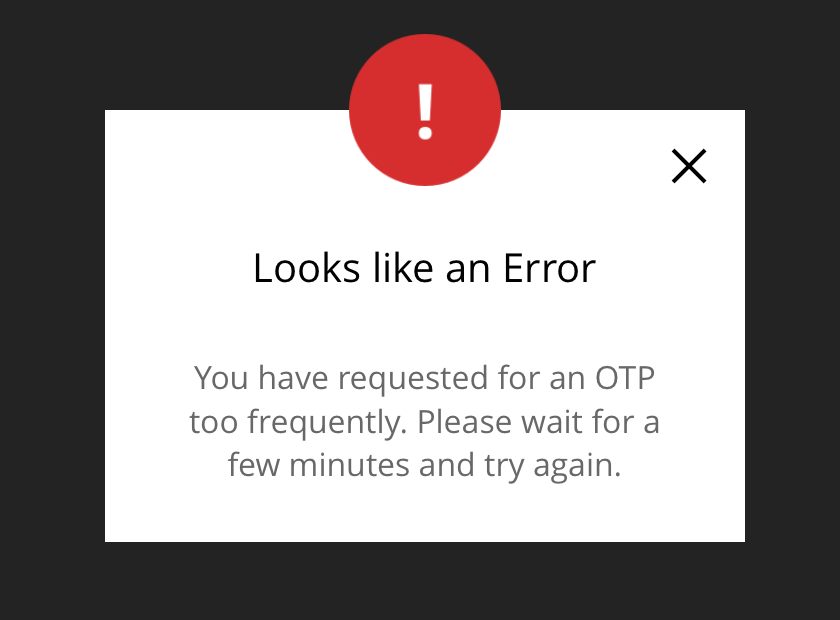
This means that multiple One-Time Password (OTP) requests were made within a short period (typically within one minute). For security reasons, the system temporarily blocks additional OTP requests.
How to Resolve This Issue
Wait at least one minute before requesting a new OTP.
After waiting, try requesting the OTP again.
Check that you are using the latest OTP sent to your email or mobile device.
Tips
Avoid clicking the Request OTP button multiple times within a short period.
If you do not receive the Email OTP, check your spam or junk folder. Alternatively, you may choose to receive OTP via SMS.
Ensure your registered email address or mobile number is correct.
If you encounter any issues, please contact the Board.Vision Customer Success Team.
Email: support@board.vision
Hotline: +65 6909 7100
Operating Hours
Monday – Friday
9:00 AM – 6:00 PM SGT
(Excluding public holidays)
Was this article helpful?
That’s Great!
Thank you for your feedback
Sorry! We couldn't be helpful
Thank you for your feedback
Feedback sent
We appreciate your effort and will try to fix the article