Board.Vision has enhanced the SmartSign Module to allow users to upload supported non-PDF document formats for signing.
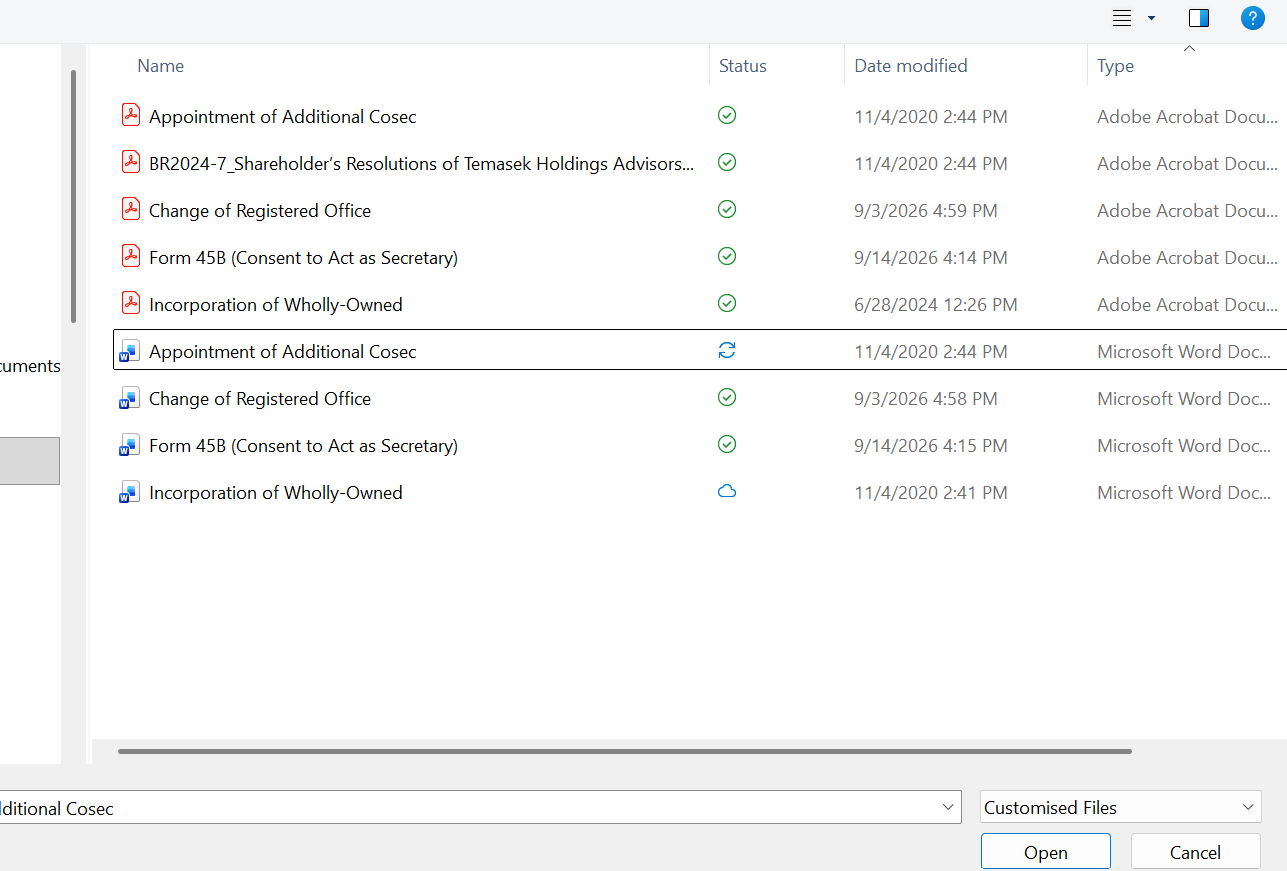
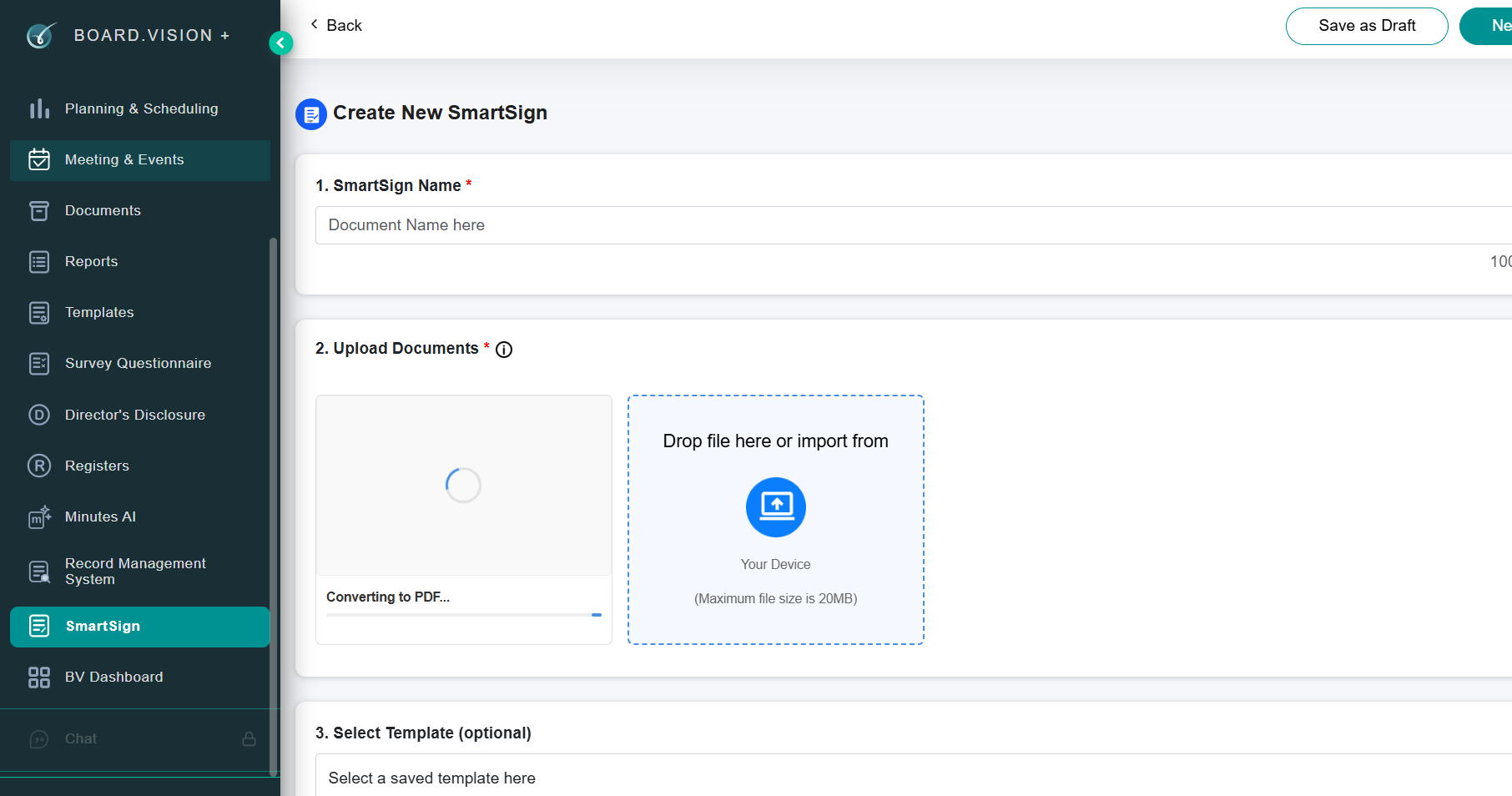
Previously, users had to manually convert documents to PDF before uploading them to SmartSign. With this enhancement, users can now upload supported file types directly, and the system will automatically convert the file to PDF before the signing process begins.
This reduces manual steps and provides a smoother, more seamless signing experience.
Supported file formats: PDF, DOC, DOCX, XLS, XLSX, PPT, PPTX, JPG, JPEG, and PNG.
Below is a comparison of the previous and current designs for your reference.
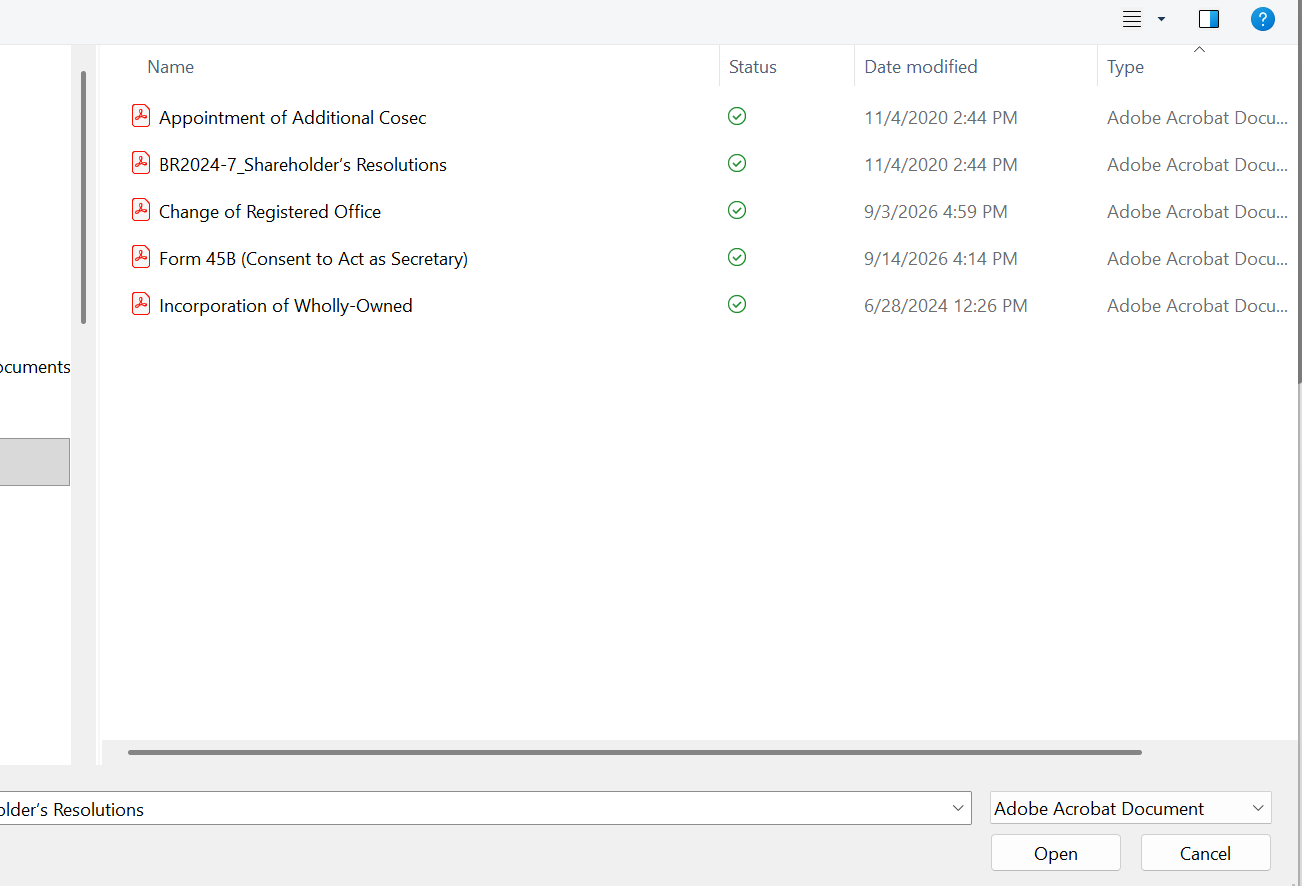
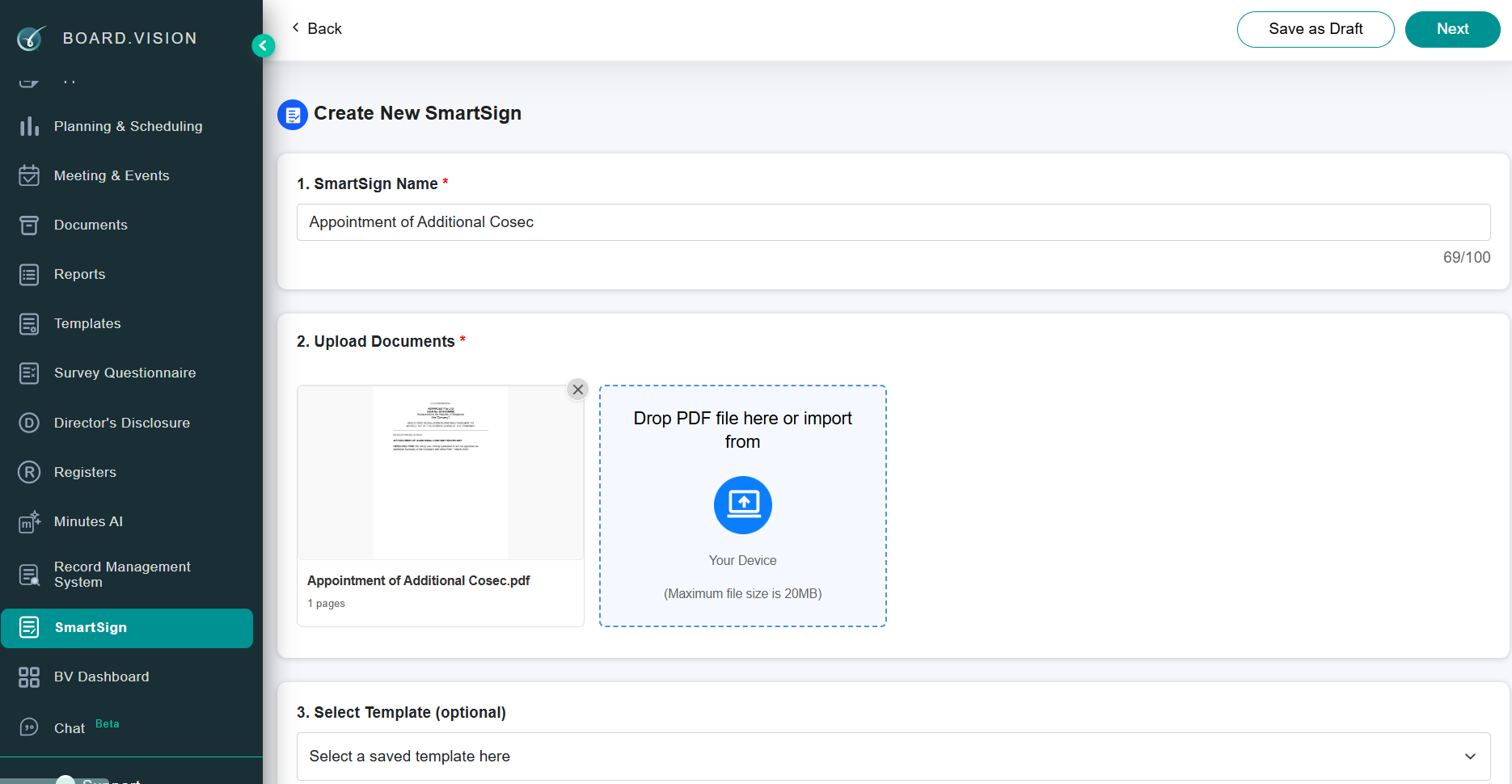
Previous Design - Administrators could only upload PDF documents for signing.
|   |
Enhanced Design - Administrators can upload supported non-PDF files, which are automatically converted to PDF before signing.
|   |
If you face any issues in completing the steps shown in this tutorial, please reach out to our Board.Vision Customer Success Team at support@board.vision or +65 6909 7100 and we will be happy to help.
Our hotline operating hours are from Mondays to Fridays 9:00 AM to 6:00 PM SGT (excluding public holidays).
Was this article helpful?
That’s Great!
Thank you for your feedback
Sorry! We couldn't be helpful
Thank you for your feedback
Feedback sent
We appreciate your effort and will try to fix the article